

Meters
Count requests or a value from the response.
A meter counts matching calls. Attach it to a proxy or a direct MCP server. Path, header, query, body, and token matches are on Predicates.
| Type | What it adds | Example |
|---|---|---|
request_count | 1 for each applicable request | Count calls to /v1/search. |
response_value | A number extracted from a response body or header | Add usage.total_tokens from each JSON response. |
Limits turn selected UTC calendar windows into enforcement. A meter without limits tracks only the values needed by configured thresholds.
Add a meter
Open Proxies, open a saved proxy, and open the Control tab. Expand Usage Meters / Limits and add a meter. Set the type and Active. Mode all counts every call. Mode conditional uses a predicate.
For request volume, choose request_count. For response usage, choose response_value, set the extraction location to Body, and use usage.total_tokens as the path.
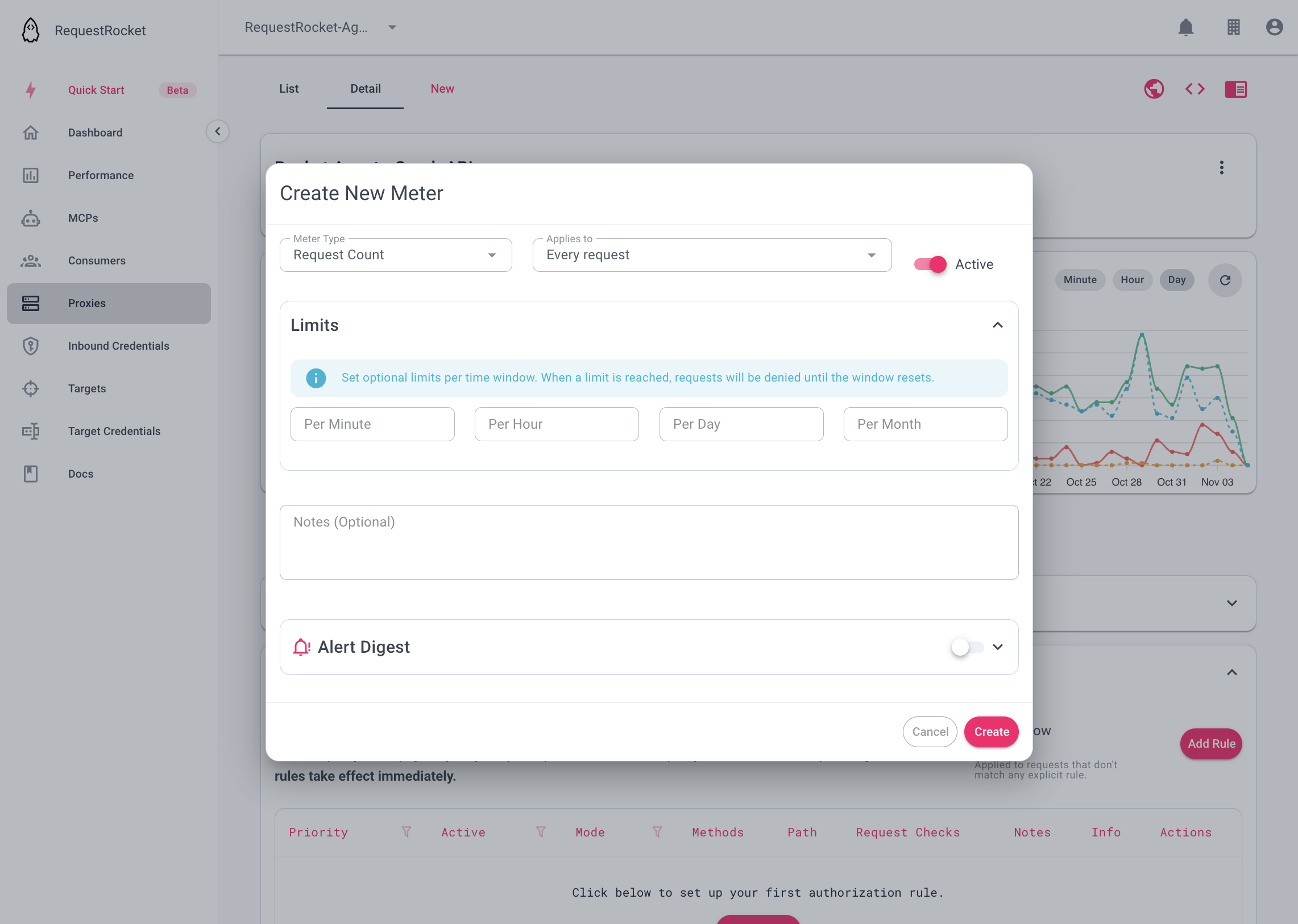
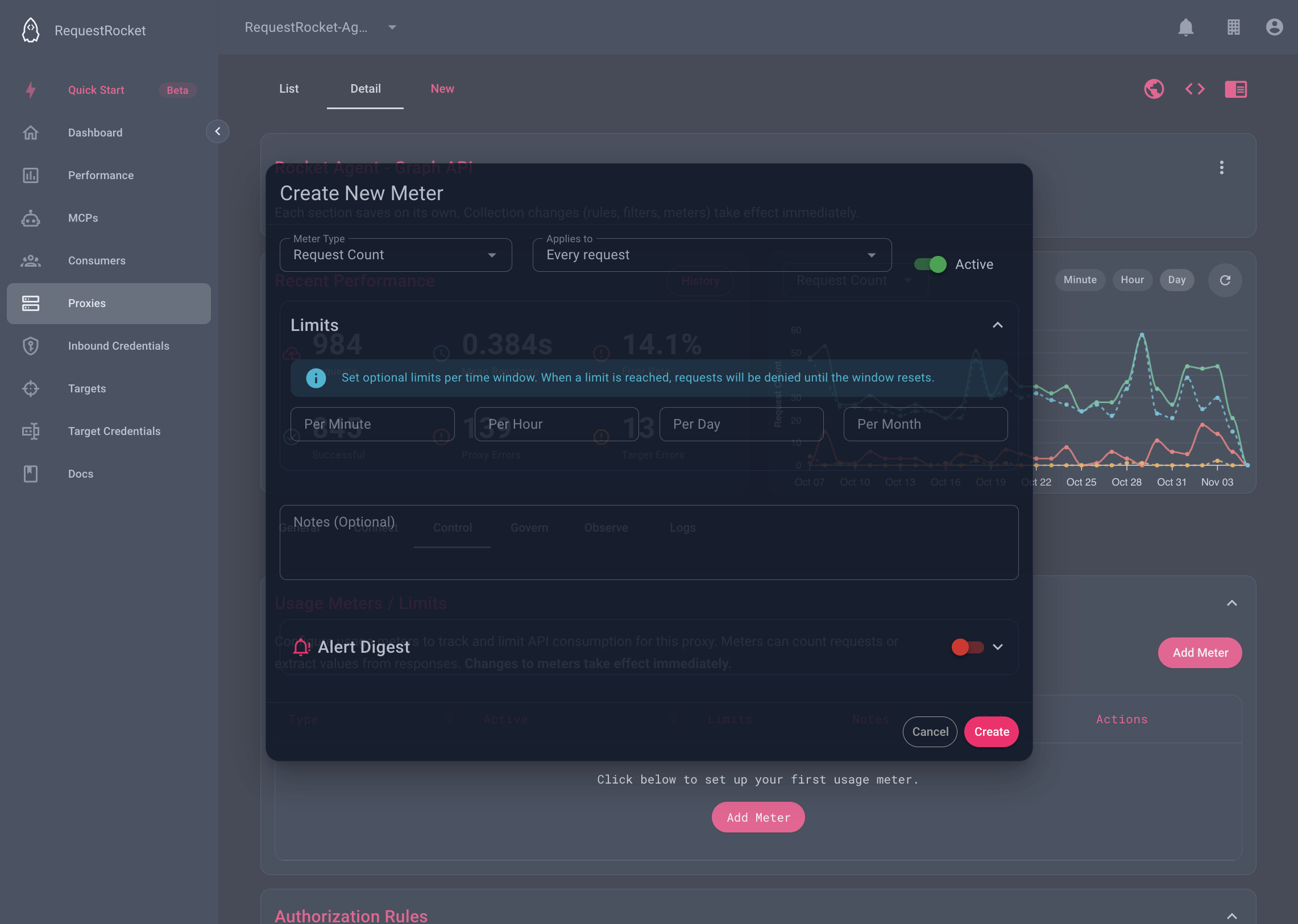
Result
After calls run, reopen the meter or use the Meter limits usage view to see the current configured windows. A response_value extraction that cannot produce a number fails open and is reported as a meter warning.
Troubleshooting
response_valuerequires an extraction withbodyplus a dot path, orheaderplus a header name.- A proxy-backed MCP server cannot own a meter; configure it on the backing proxy.
- A conditional meter with
includecounts matches. Withexclude, it counts non-matches.