

Rules
Allow or deny a call.
A rule allows or denies a call. Attach rules to a proxy, inbound credential, target, target credential, or direct MCP server. Path, header, query, body, and token matches are on Predicates.
Evaluation
Active rules are ordered by priority, but every matching rule is considered. If any match has deny, the call is denied; otherwise matching allow rules allow it. Equal priorities do not create a separate tie-break: deny still wins across all matches. If no rule matches, the parent record's default rule effect applies.
Add a rule
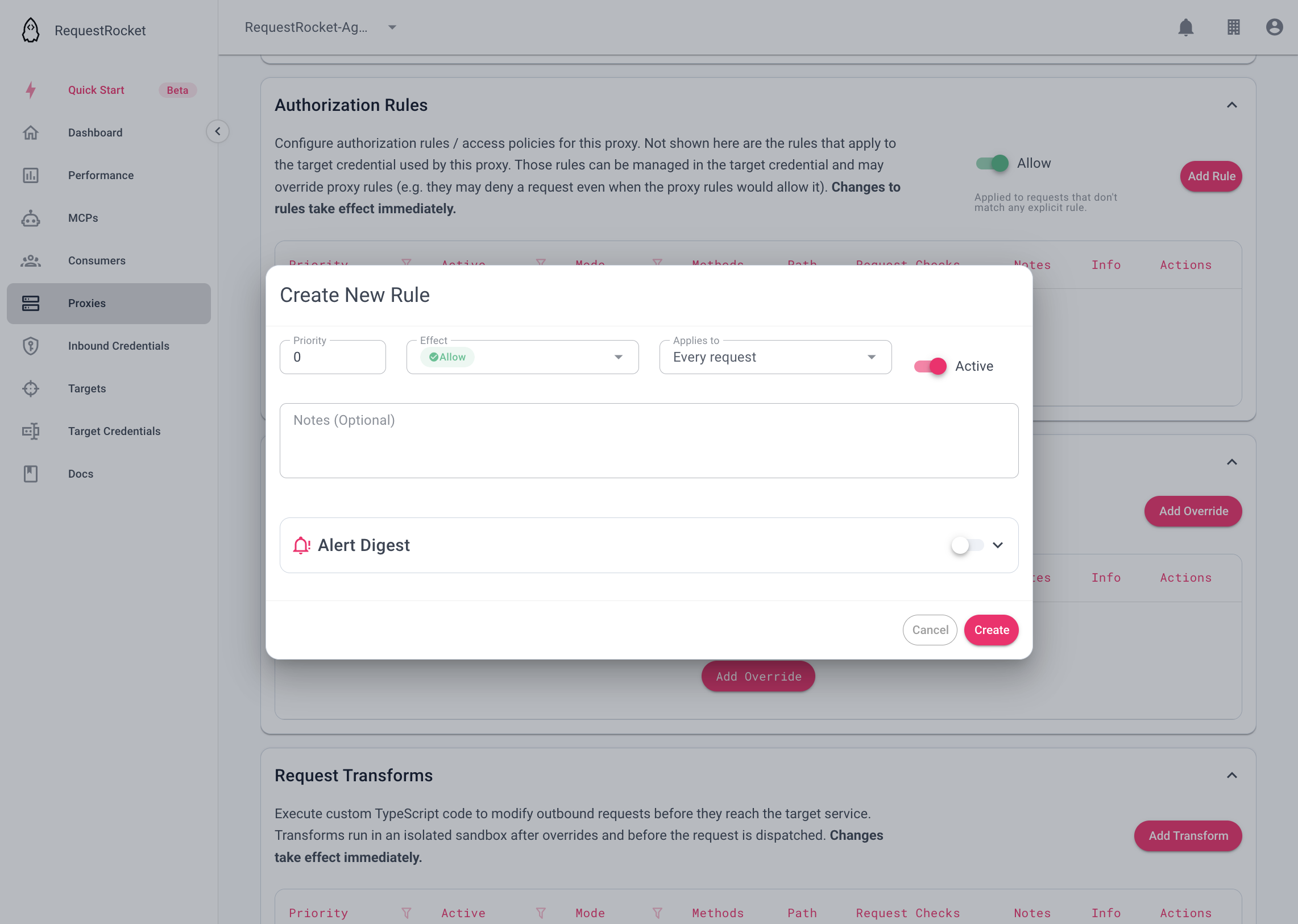
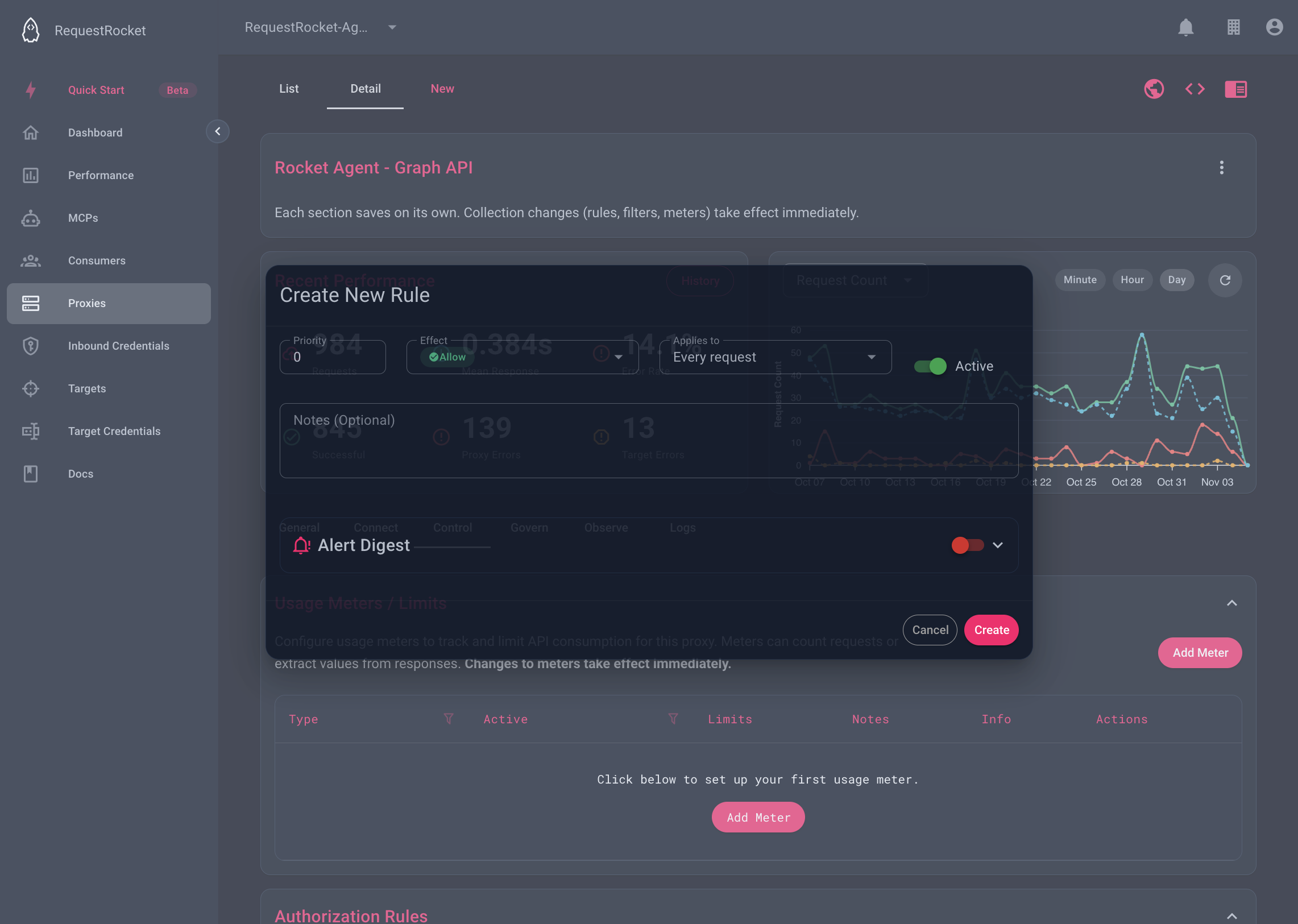
Open a saved proxy from Proxies, open the Control tab, and expand Authorization Rules. Set allow or deny, priority, and Active.
To deny deletion, choose Deny, add method DELETE, and leave other predicate fields empty. To allow one path prefix, choose Allow and add a path predicate whose regex matches that prefix; set the proxy's default rule effect to Deny so unmatched paths are refused.
Result
A denied call stops before RequestRocket sends it to the target. Request logs record the decision for each scope that evaluated rules.
Troubleshooting
- A rule without predicate fields matches every method and path.
- A matching deny rule overrides matching allow rules, regardless of priority.
- A proxy-backed MCP server cannot own rules; configure them on its backing proxy.