

Control
Meter limits
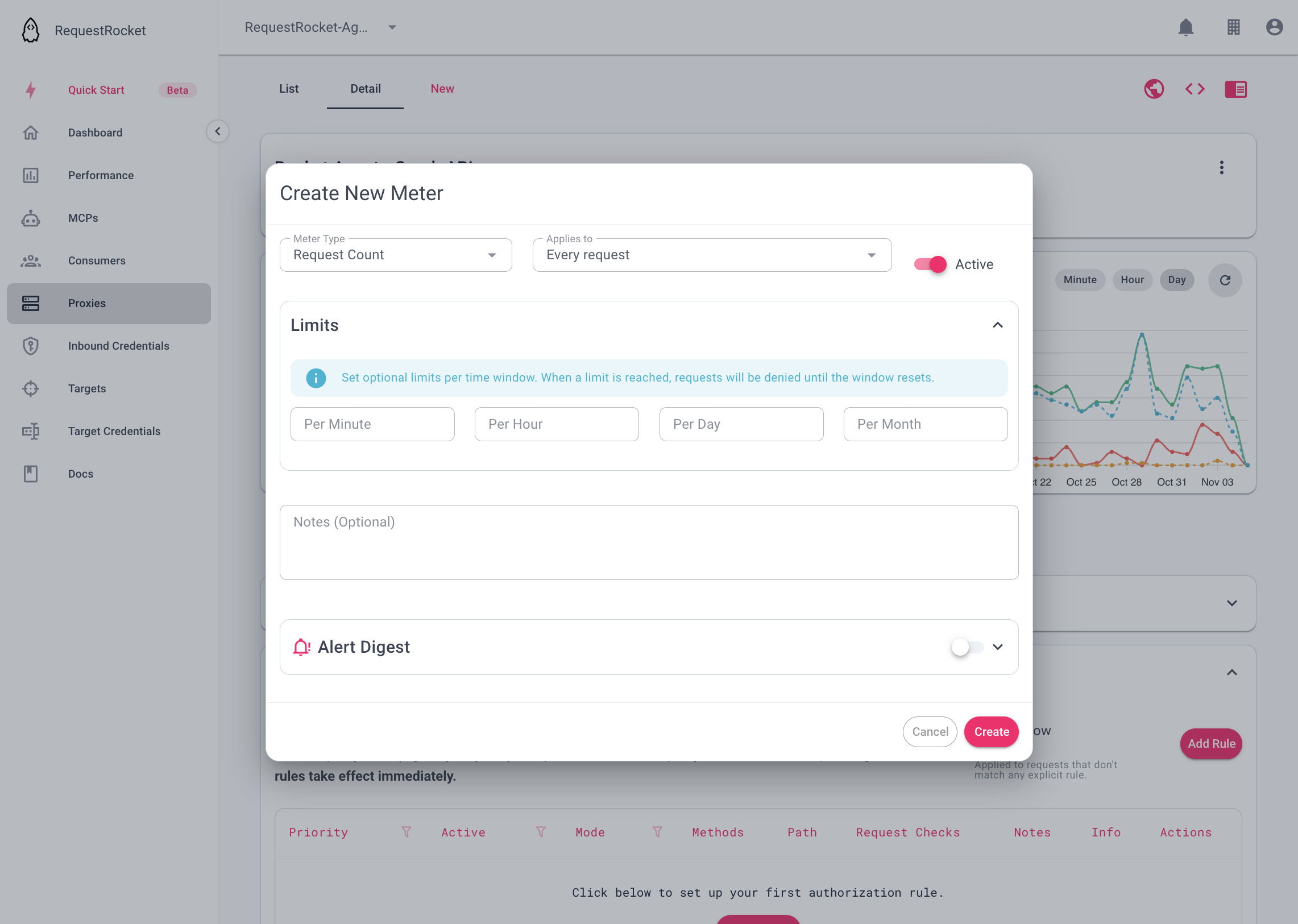
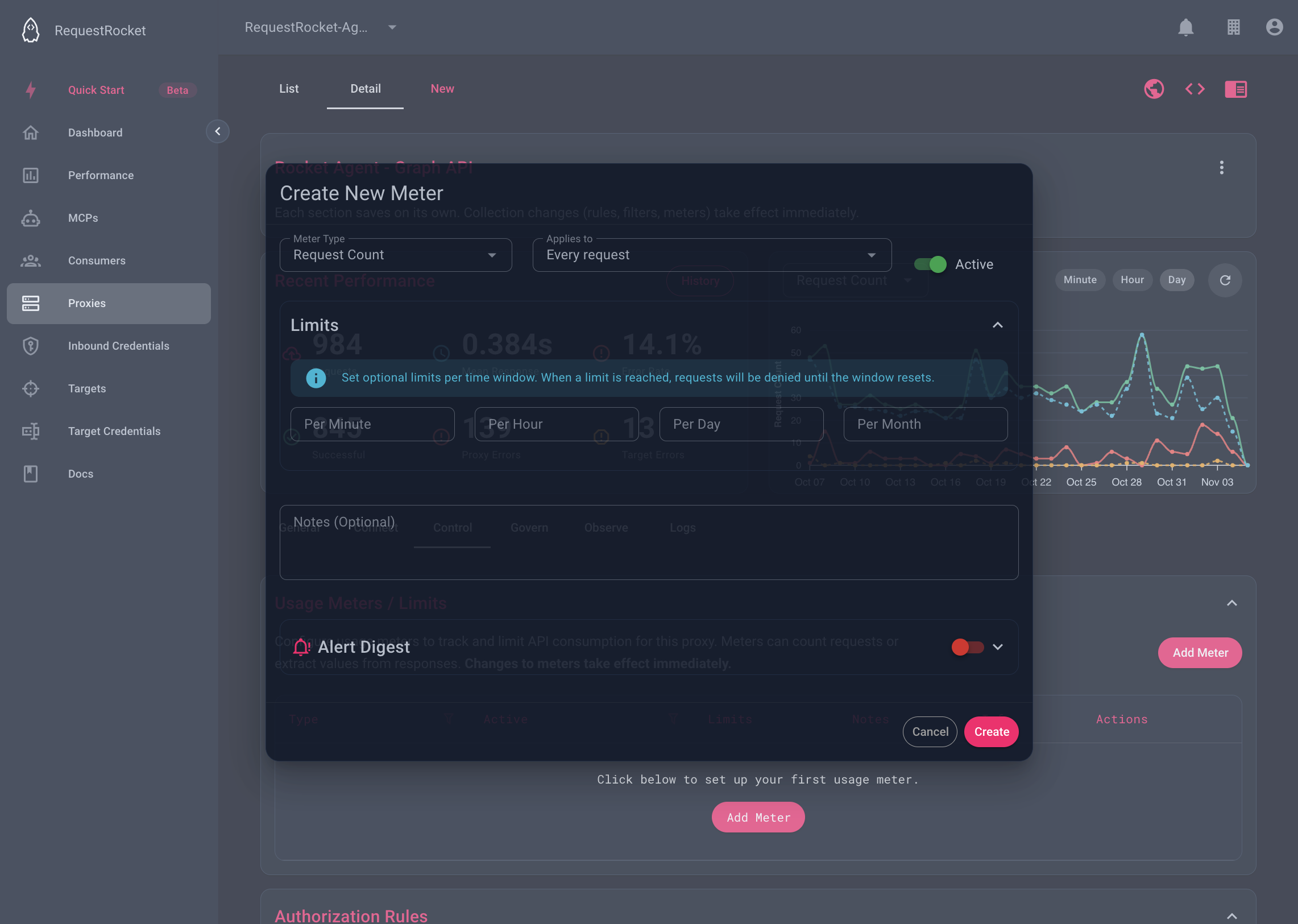
Minute, hour, day, and month windows on a meter.
A meter limit is a cap on a UTC calendar window. Windows are fixed, not rolling: minute, hour, day, and month counters reset at the next UTC boundary. The 5.5 MB cap and plan rate limits are not meters. Those are on Platform limits.
Set the windows
On the meter form, set minute, hour, day, or month. Omit a window when it should not enforce a cap.
Result
Before a request is sent upstream, RequestRocket checks applicable meter counters. If a configured window has reached its limit, the caller receives:
{
  "error": "Too Many Requests",
  "message": "Usage limit exceeded for this proxy.",
  "meters": []
}
The status is 429, requestrocket-proxy-code is rate-limited, and Retry-After is the number of seconds until the latest exceeded window resets.
Troubleshooting
- If no usage appears, confirm that the meter is active and its predicate applies.
- Usage reads include only windows that have configured limits.
- Changing
limitsreplaces the whole limits object; include every window you want to keep.