

Proxies
Bind an inbound credential, a target, and a target credential.
A proxy is the record callers use. It binds one inbound credential, one target, and one target credential in a single region. Saving it gives you a base URL.
Before you start, create the inbound credential, target, and target credential. Their list and detail views show each record's region. The proxy can bind them only when they belong to the same organisation and region.
Open the New tab
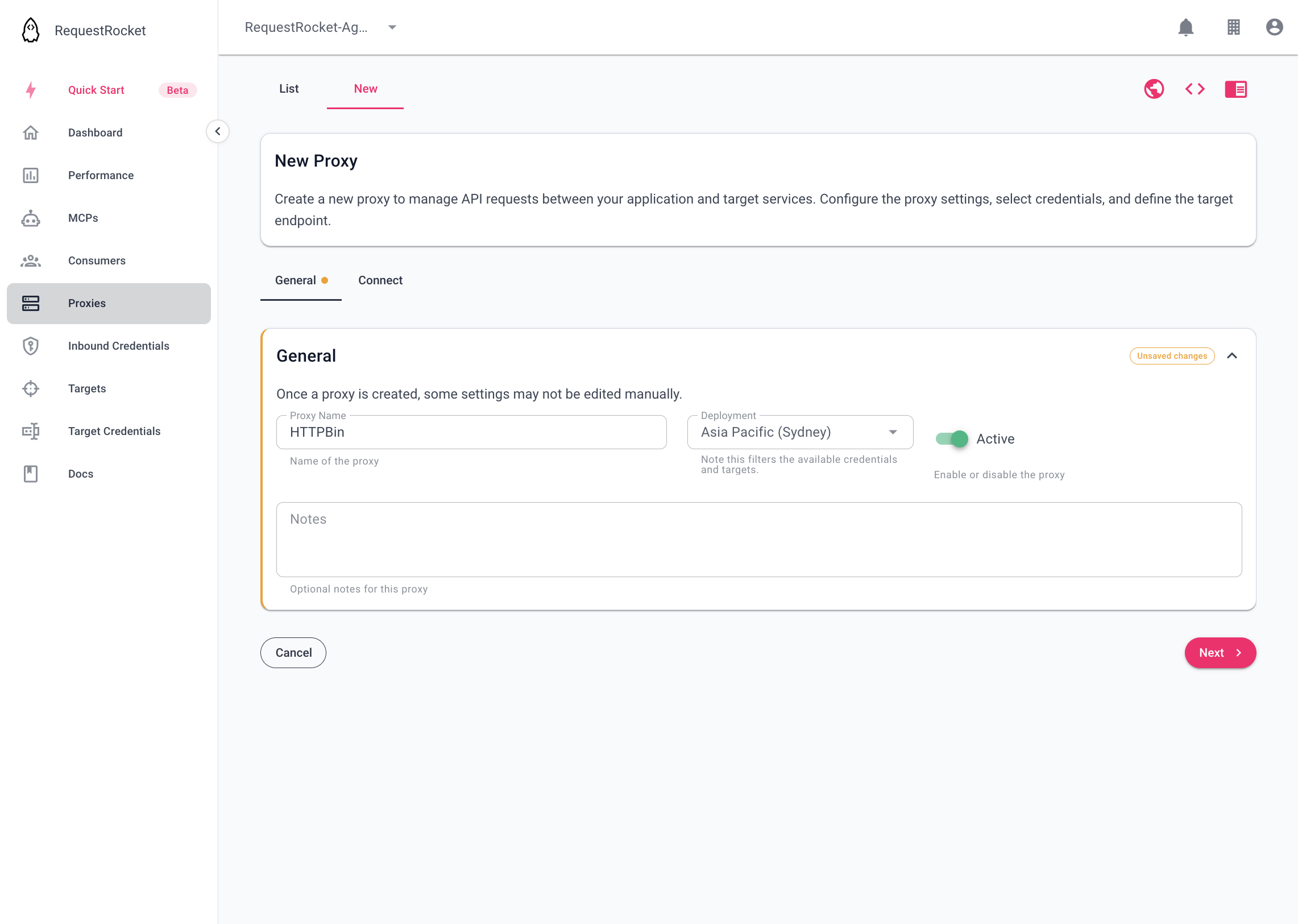
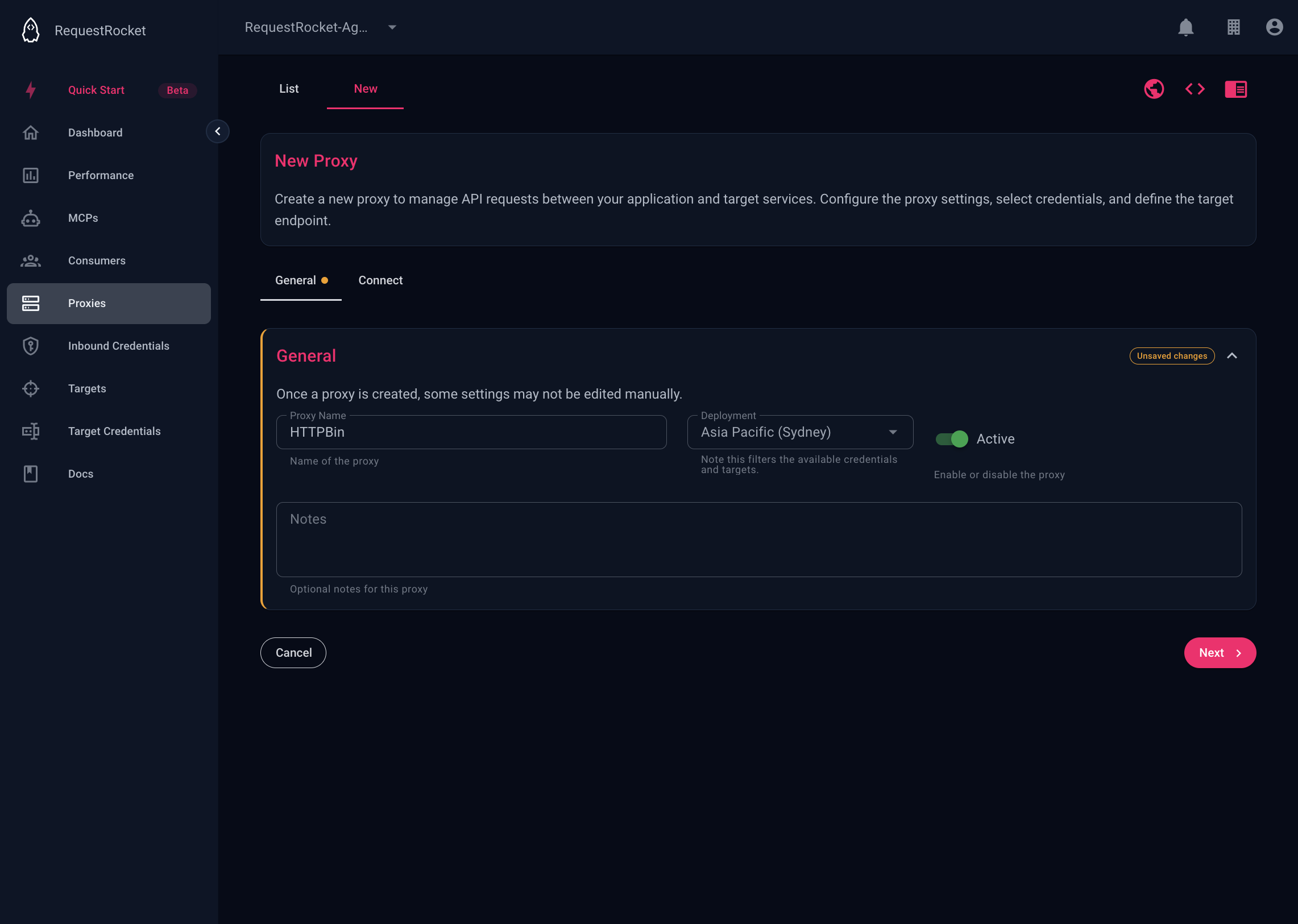
Open Proxies and open the New tab. On General, set the name, the deployment region, and Active.
Connect the three records
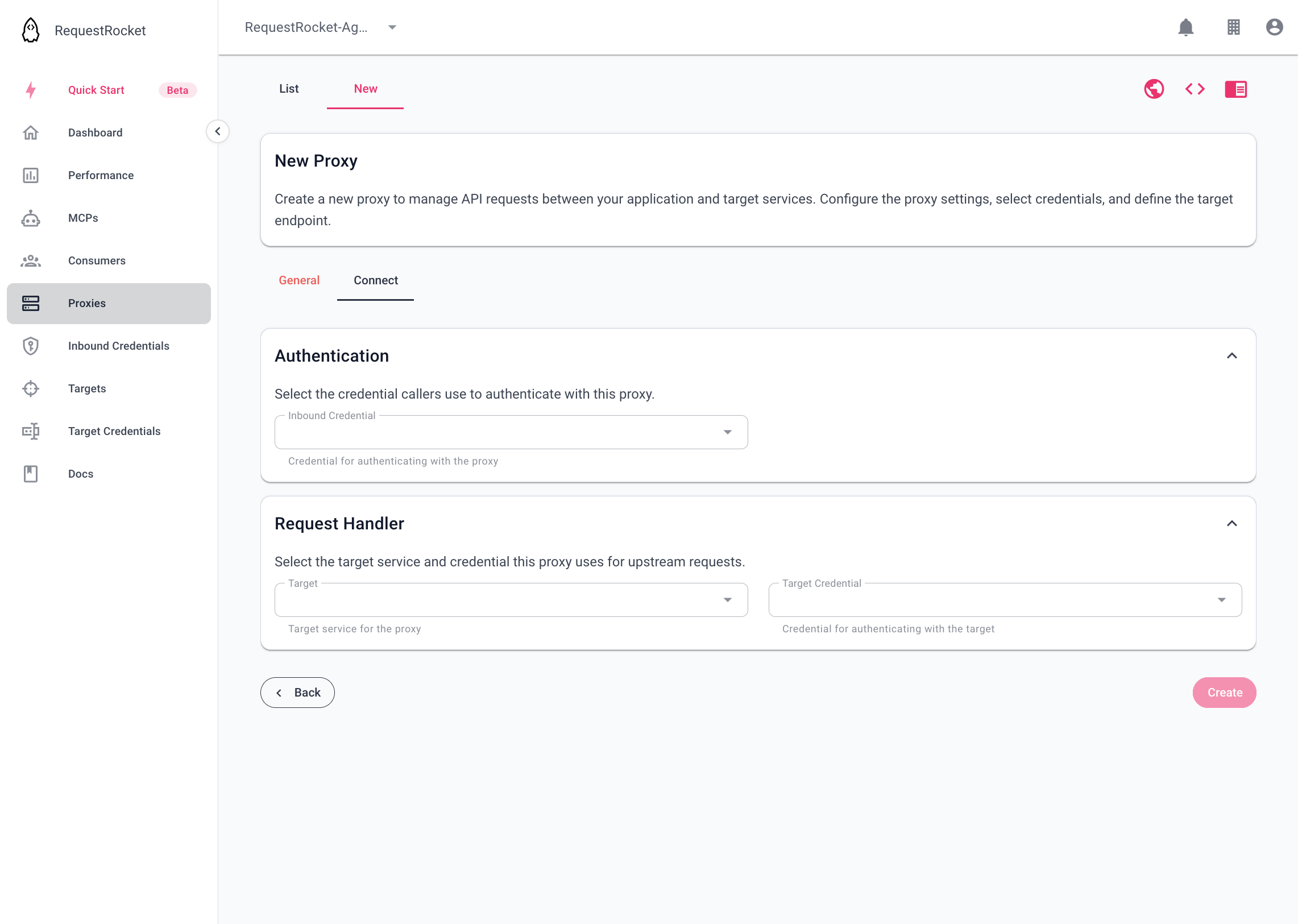
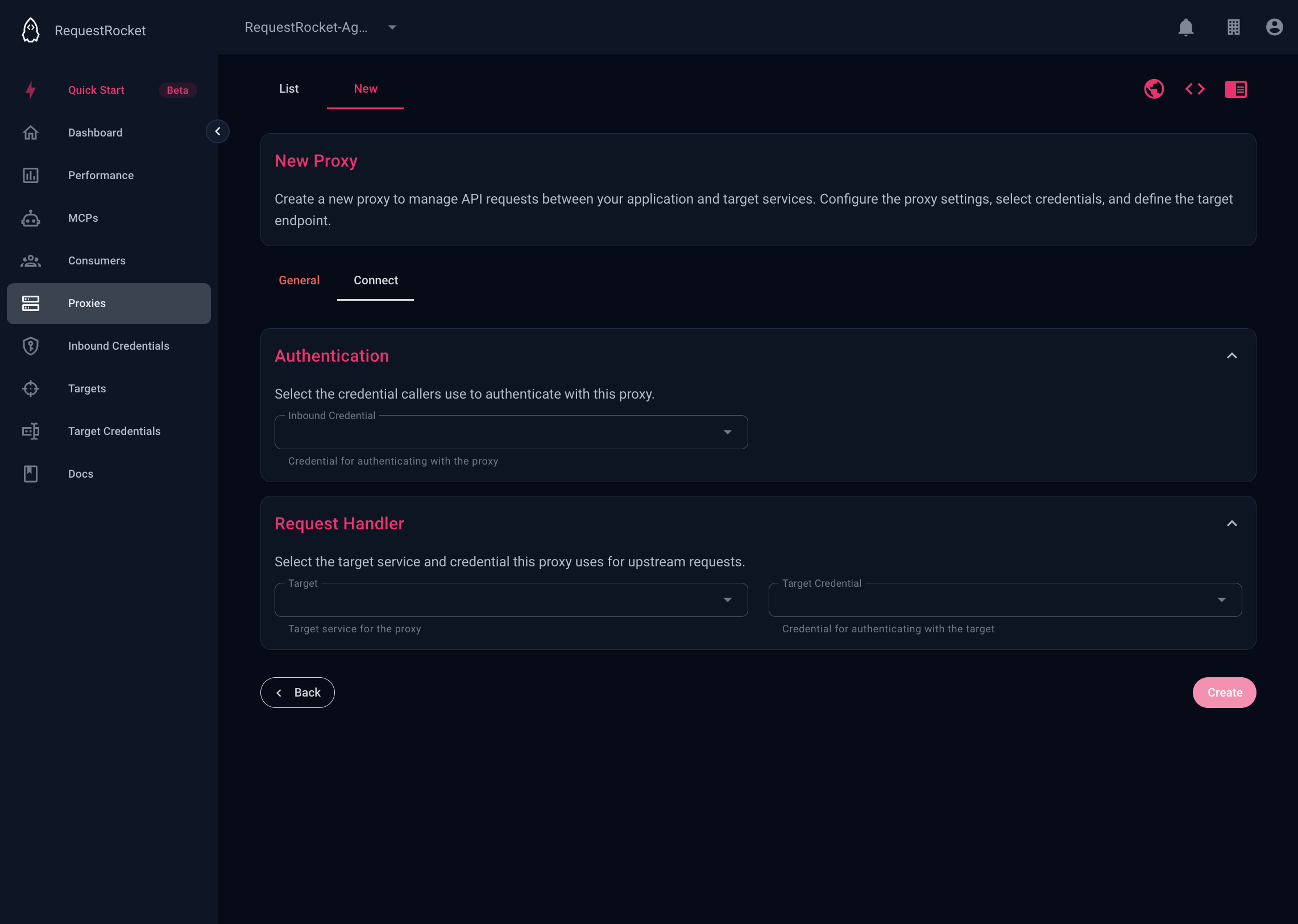
On the Connect tab, select the inbound credential, the target, and the target credential. Create the proxy.
Copy the URL
The saved record shows the regional base URL:
https://{region}.requestrocket.com/api/{proxyId}Append the path expected by the target. If you set an alias, it accepts lowercase letters and hyphens and is available after save.
Check one call
Send a request with the inbound credential. A granted call includes requestrocket-proxy-code: proxy-access-granted. Use Request logs to inspect the recorded result.