

Alerts
Fire when a call matches a predicate.
An alert records matching activity into a cadence digest. Path, header, query, body, and token matches are on Predicates.
standalone alert predicate ─┐
policy on a meter/rule/filter/override/transform ─┴→ cadence aggregate → organisation alert + member email
Use a standalone alert for a condition independent of another policy record. Attach an alert policy to a meter, rule, filter, override, or transform when that record's own match or threshold should trigger delivery.
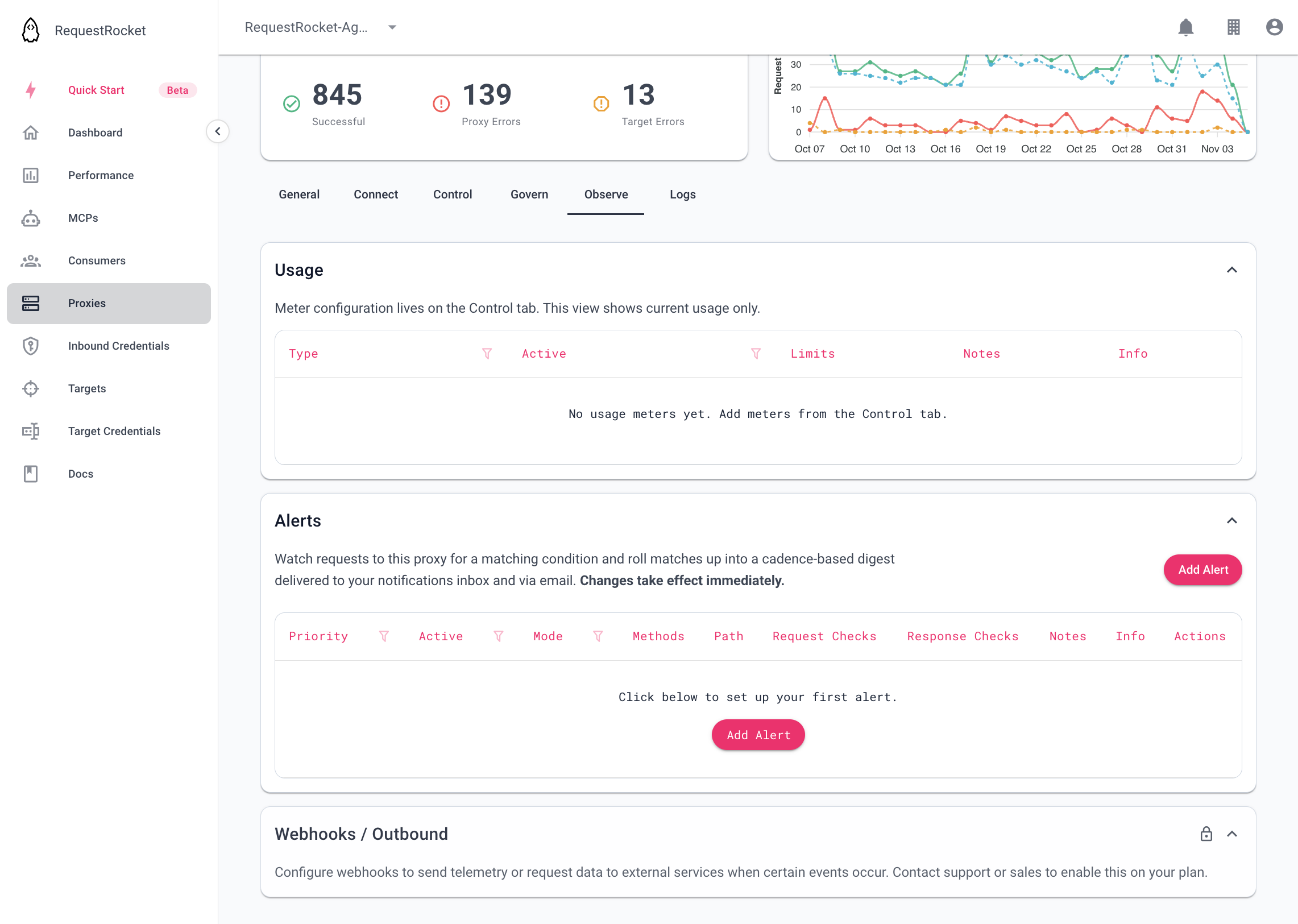
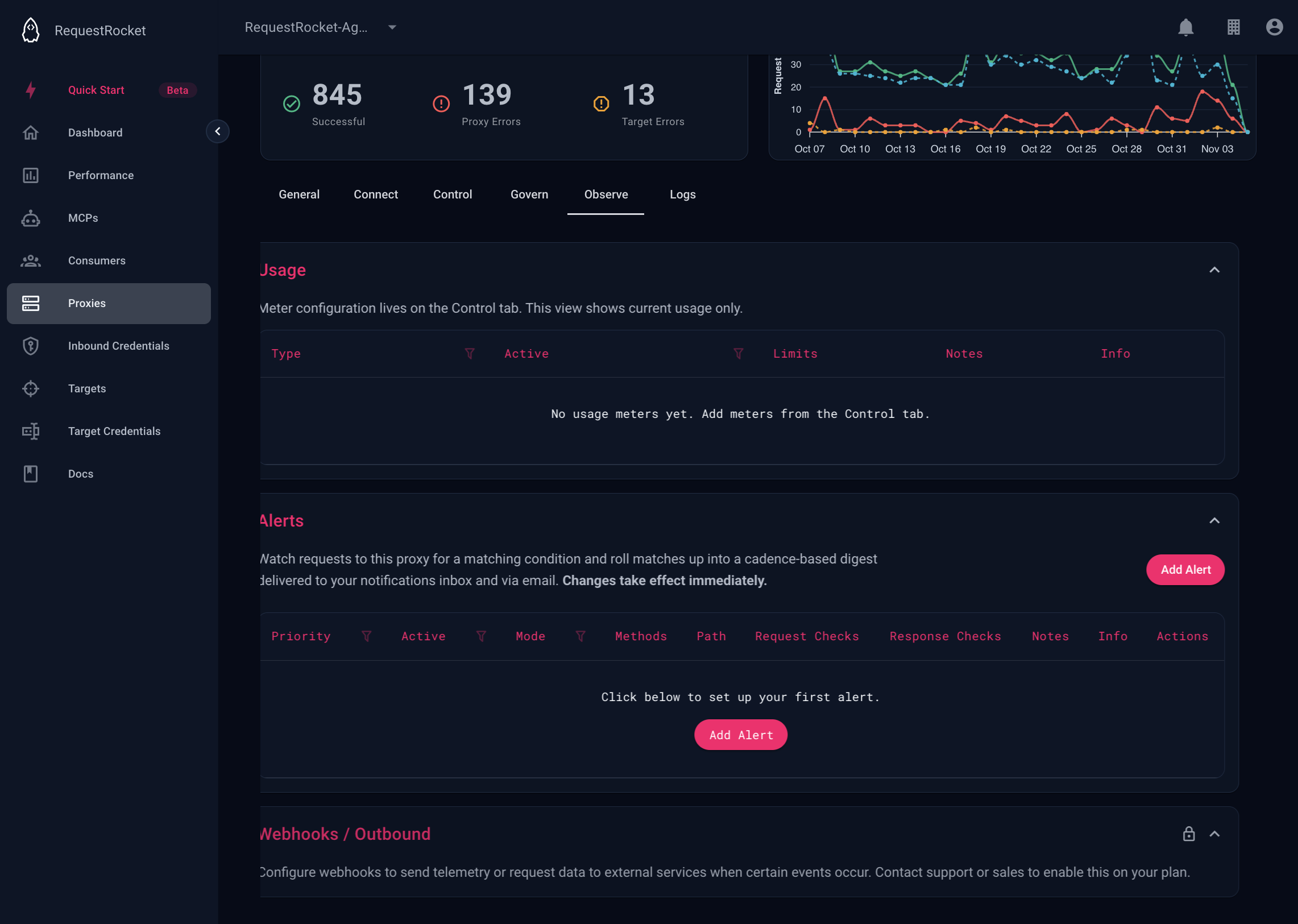
Add an alert
Open a saved proxy, open the Observe tab, and expand Alerts. Set Active and choose all or conditional. For conditional mode, add predicates and choose include or exclude. Enable delivery and select minute, hour, day, or month cadence.
For a meter-limit example, open the meter instead. Enable its alert policy, use trigger exceed, and choose the digest cadence. When the meter blocks a request with 429, that source is included in the next closed cadence window.
Result
After a cadence window closes, RequestRocket creates an organisation alert digest and emails the organisation's members. The digest identifies the proxy, source types, counts, and configured alert notes.
Troubleshooting
- An enabled policy requires
cadence. - Meter trigger
thresholdalso requires at least one threshold window. - A proxy-backed MCP server cannot own alerts; configure them on its backing proxy.