

Organisation and team
The organisation, its members, and its invites.
An organisation contains the people and resources that work together in RequestRocket.
App and API names: the app calls this an organisation. Core API paths, response fields, and Core MCP tools call the same record a client. A
clientIdis therefore the organisation id.
Before you start
You must already belong to the organisation. Only an owner or admin can manage its members and pending invites.
| Role | Proven access |
|---|---|
owner | Read and rename the organisation; manage members and invites; delete the organisation. Only an owner can grant or remove owner. |
admin | Read and rename the organisation; manage members and invites. |
devops | Read the organisation. |
user | Read the organisation. |
reader | Read the organisation. |
Open the organisation profile
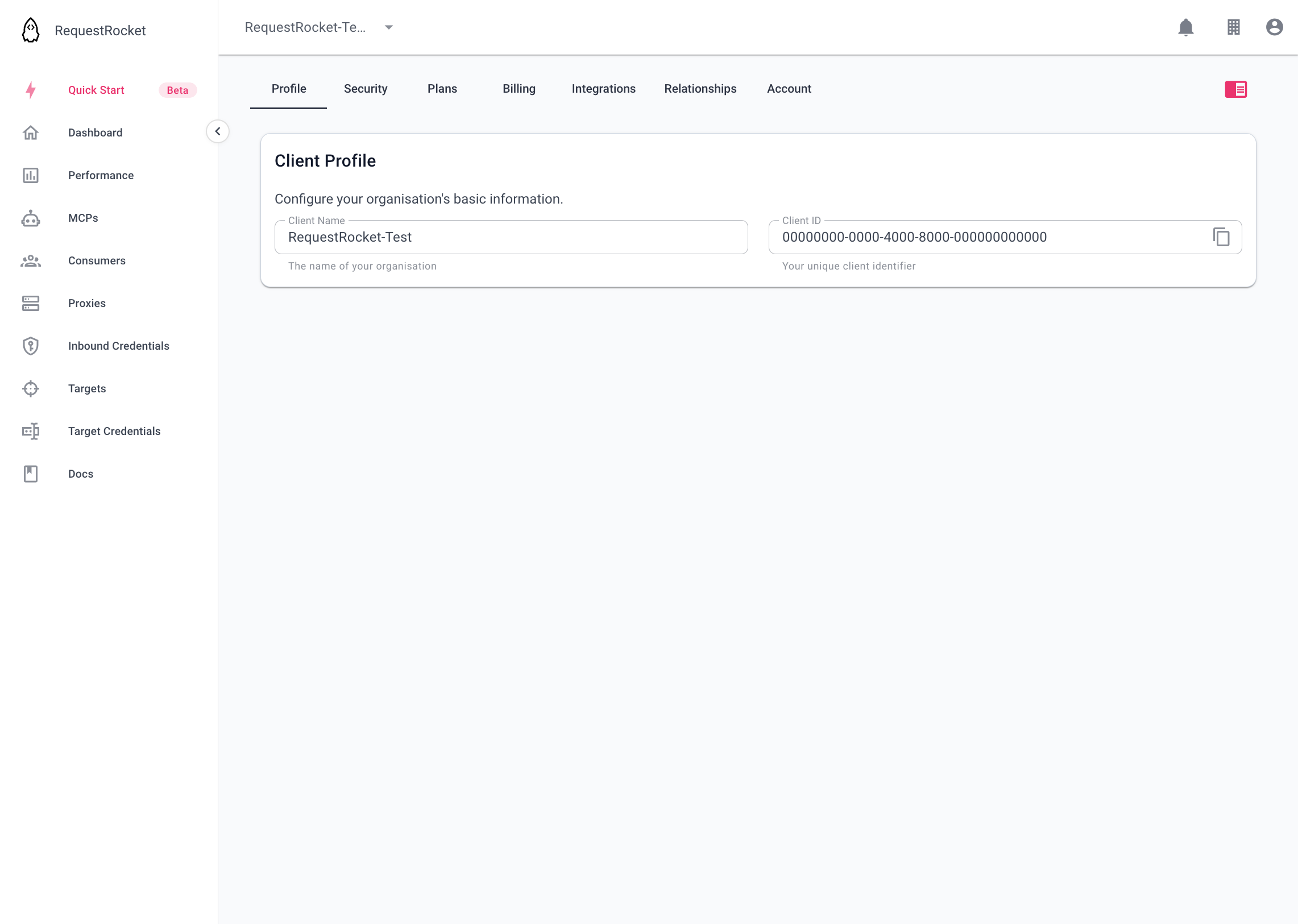
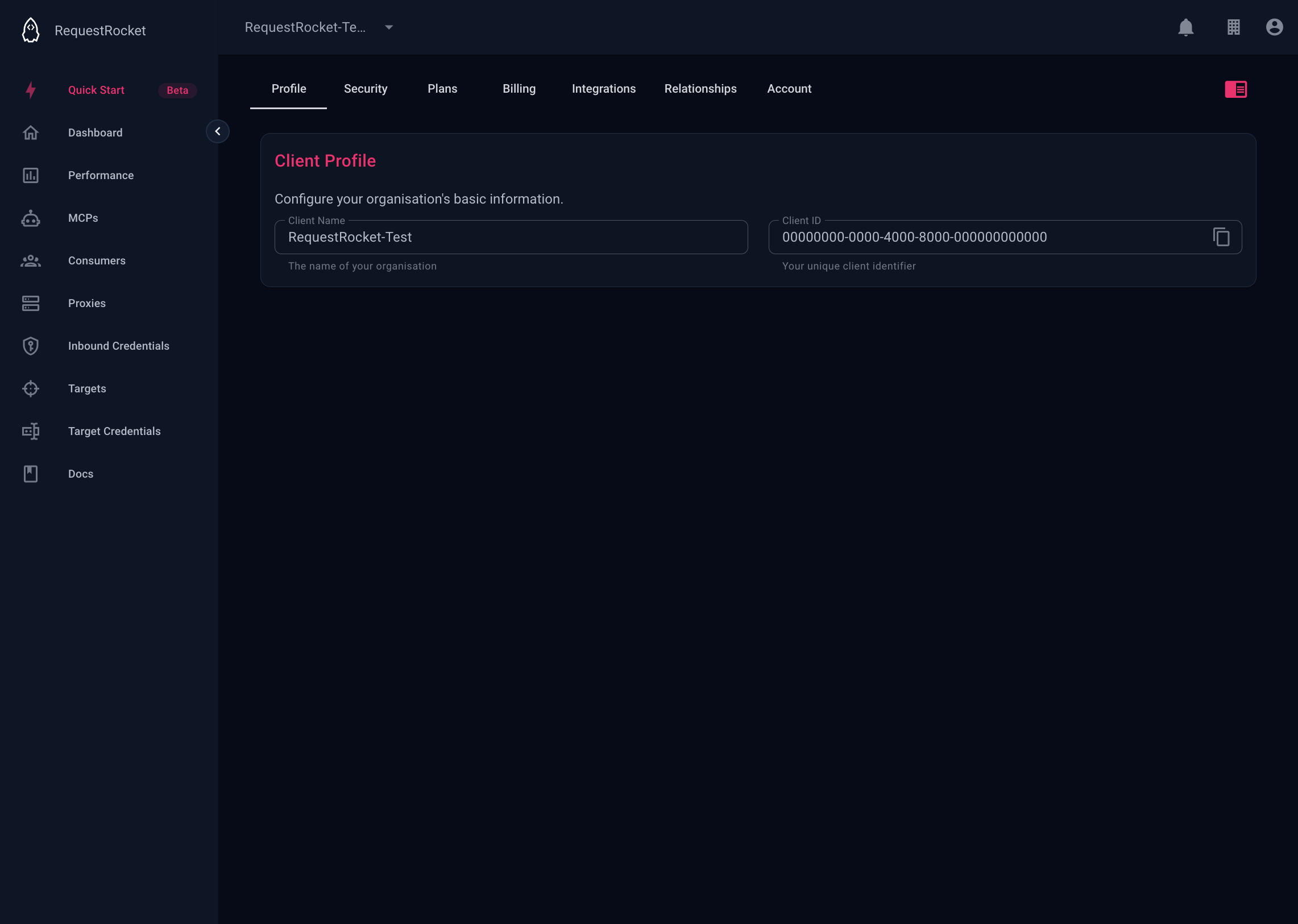
Open Organisation settings on the Profile tab. The name must be unique and contain 3 to 256 letters, numbers, spaces, or hyphens.
Invite a member
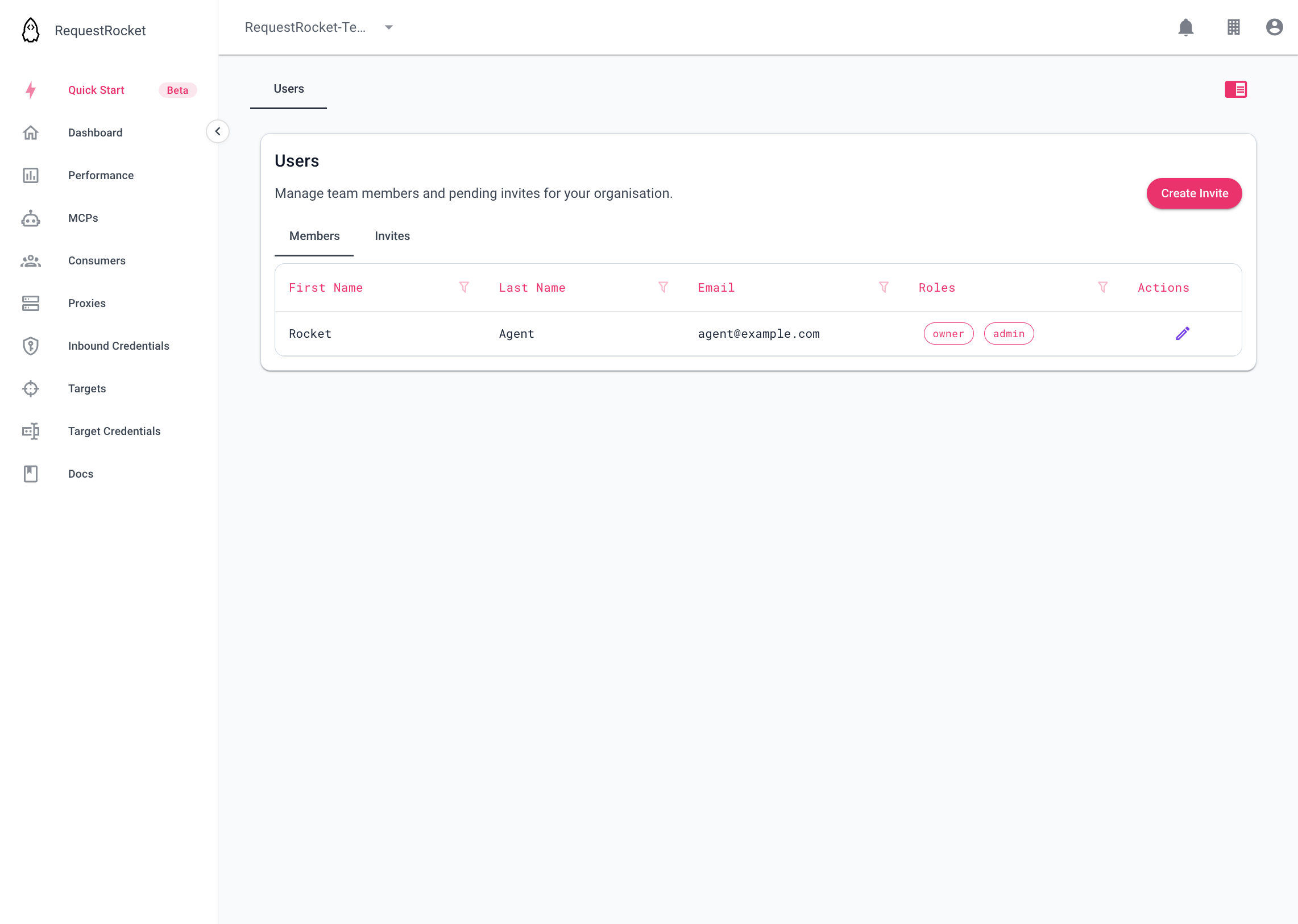
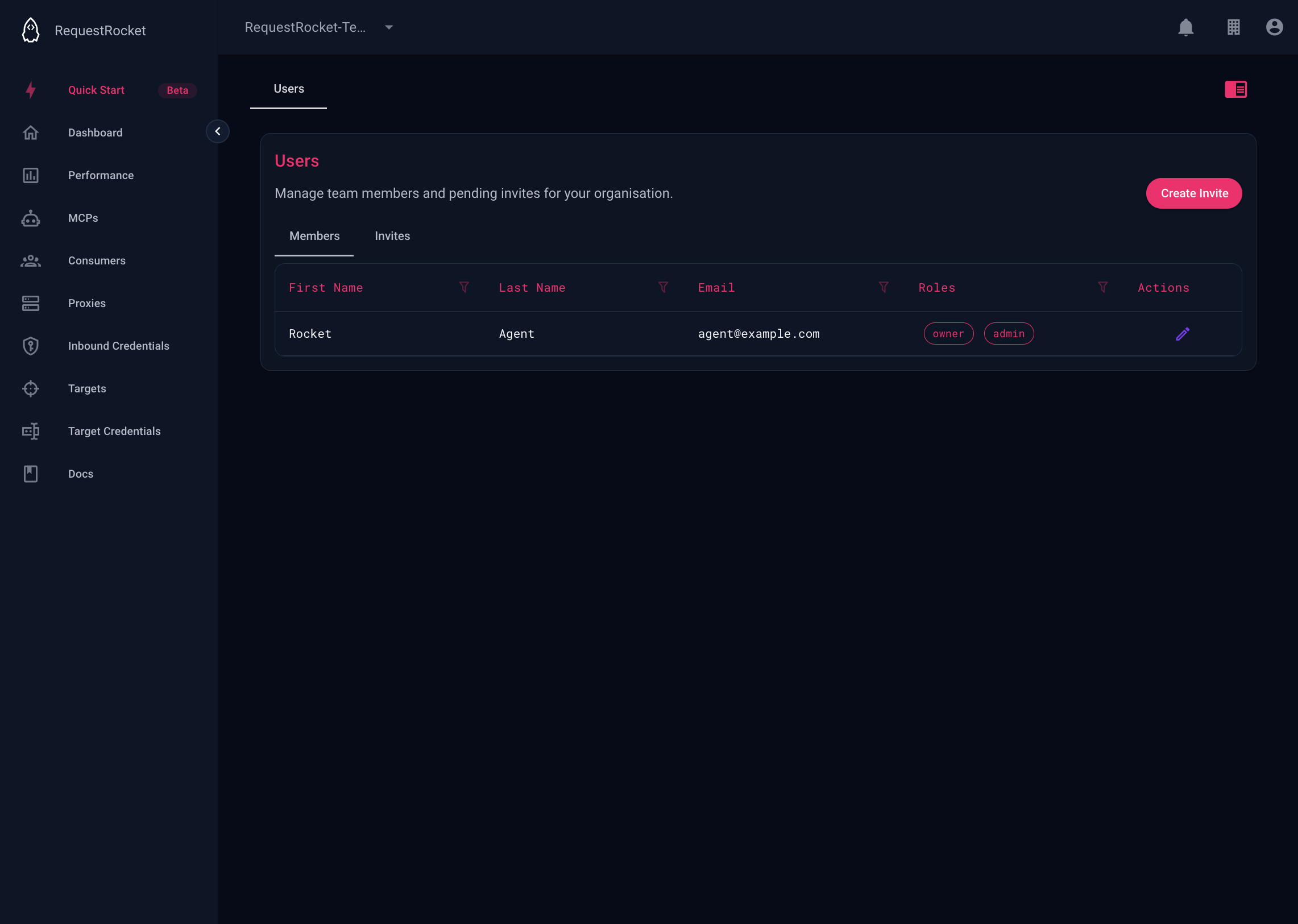
Open User management to see members and pending invites. Send an invite with the person's email address and at least one role. The email tells the person which organisation invited them; accepting creates the membership with those roles.
Result
The organisation profile shows the saved name. User management shows current members separately from pending invites.