

Observe
Request logs
One proxied call, including MCP server calls.
A request log is a single call retained for 90 days by the regional runtime. Open it from a proxy to inspect:
- method, path, query, headers, and timing;
- proxy and target status and duration;
- authentication and validation outcomes;
- matching rules, meters, filters, overrides, transforms, and alerts;
- MCP tool details when the call came through a direct MCP server.
Open the requests dialog
Open a proxy from Proxies and open Requests.
Find a failed call
Choose a time range around the failure and filter by status. Use 429 to find a meter limit, or the proxy status shown to the caller for a denied call. Open the newest matching record and inspect authorizationDecisions, metersData, and the proxy message.
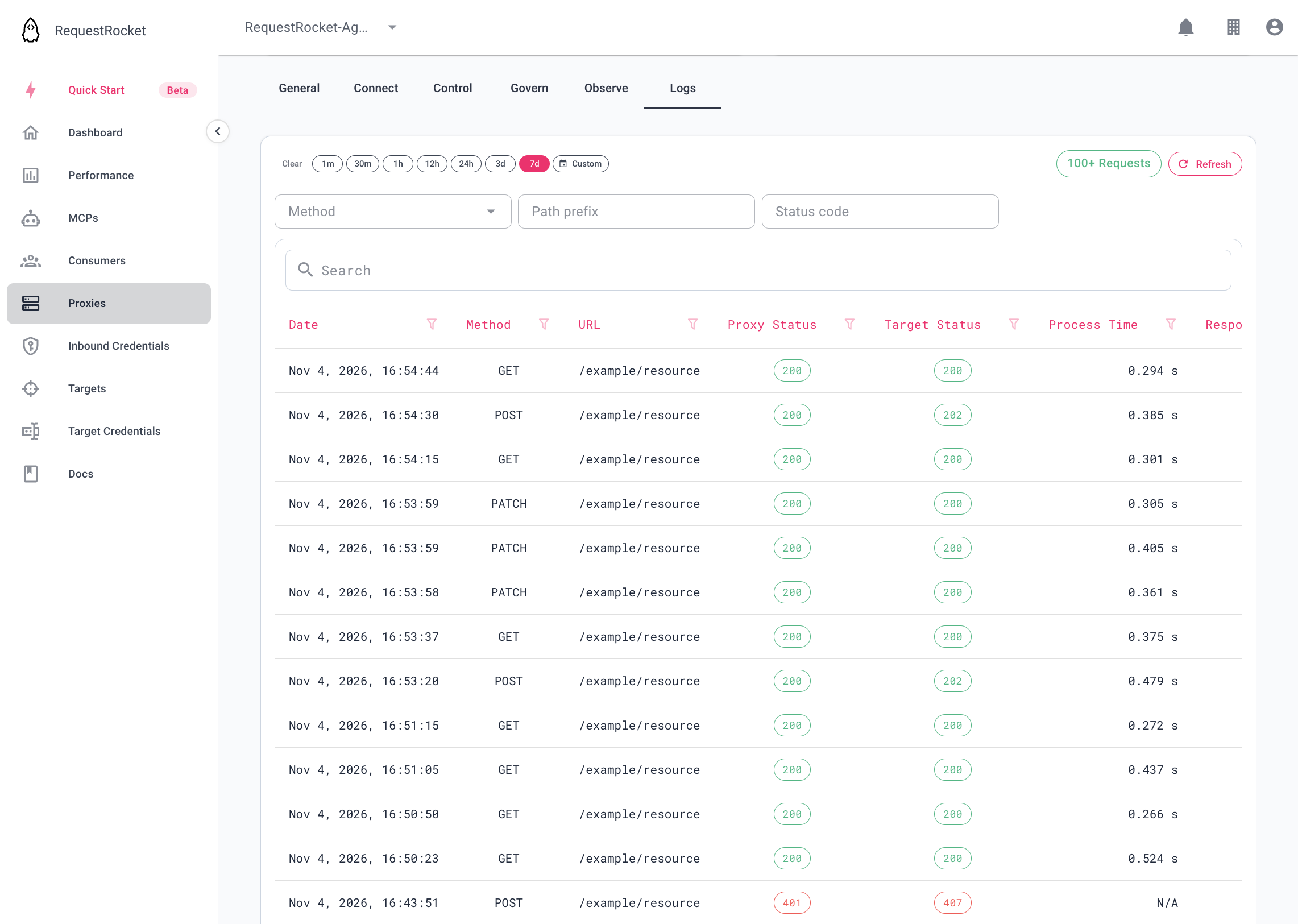
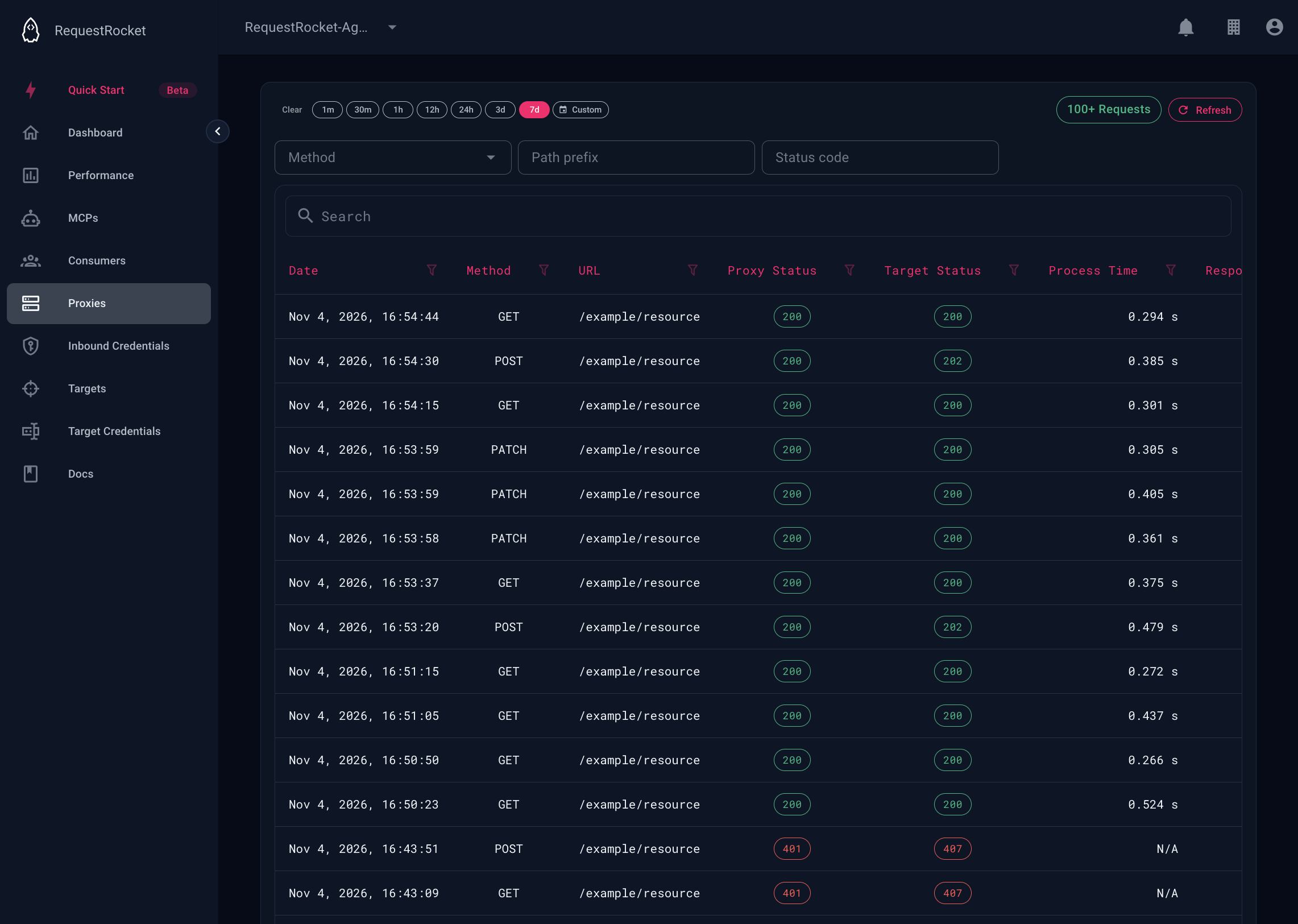
Result
The detail identifies the request id, the status returned to the caller, whether an upstream response was received, and which policy records matched.
Troubleshooting
- If no call appears, widen the time range and remove status filters.
- Proxy-backed MCP calls are logged under the backing proxy.
- Request history is regional; the proxy or direct MCP record determines which table is queried.