

Personal notifications
Notifications addressed to the signed-in user.
Personal notifications are addressed to the signed-in user. They are separate from organisation notices, alert digests, and platform-wide system notices.
Before you start
Sign in as the recipient. The dashboard combines all notification categories, so use its filter to isolate personal notices.
Open personal notifications
Open Dashboard, open the Notifications tab, and select Personal. Select a row to read its Markdown message. You can mark a personal notice read or unread, or use Mark All Read.
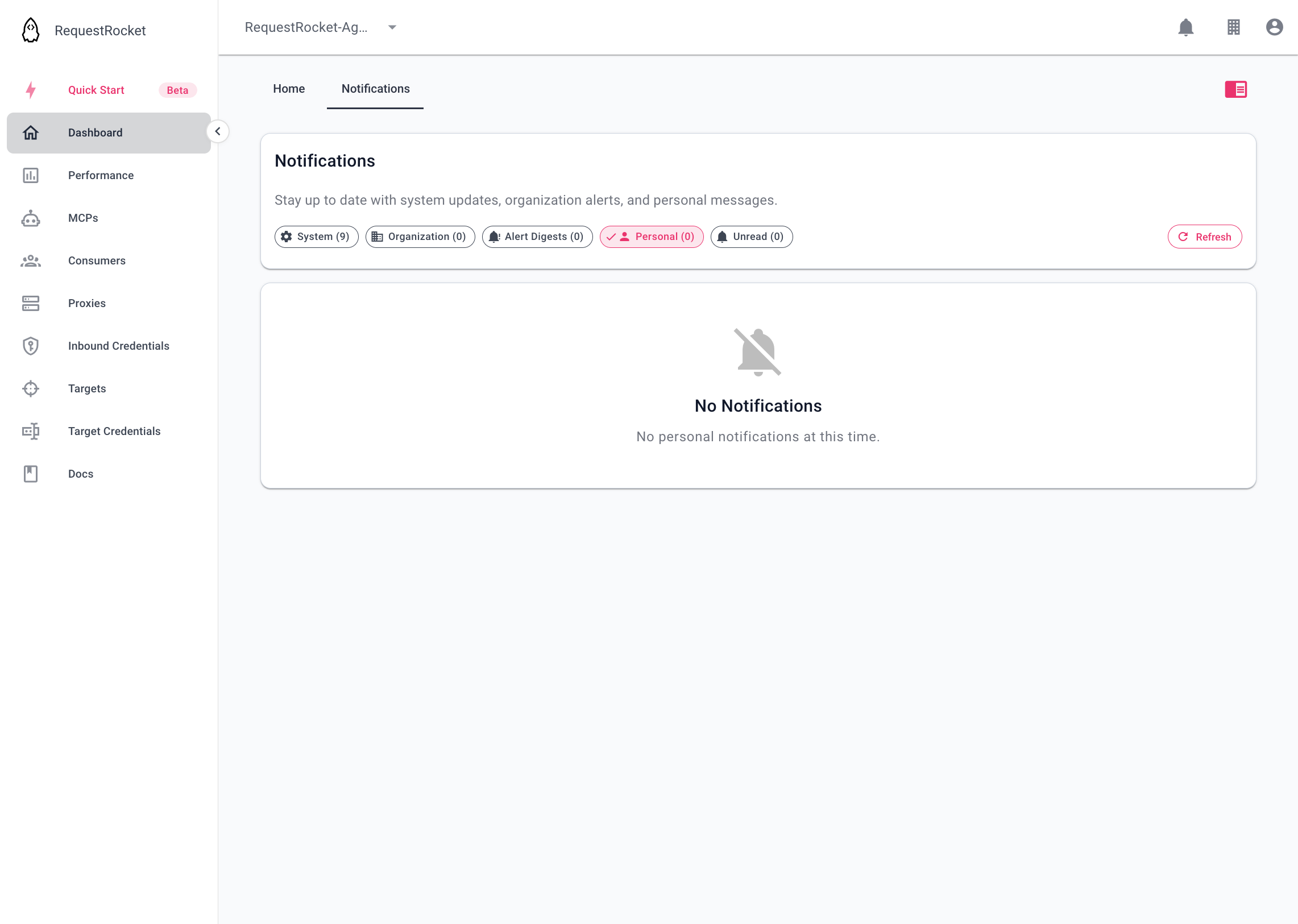
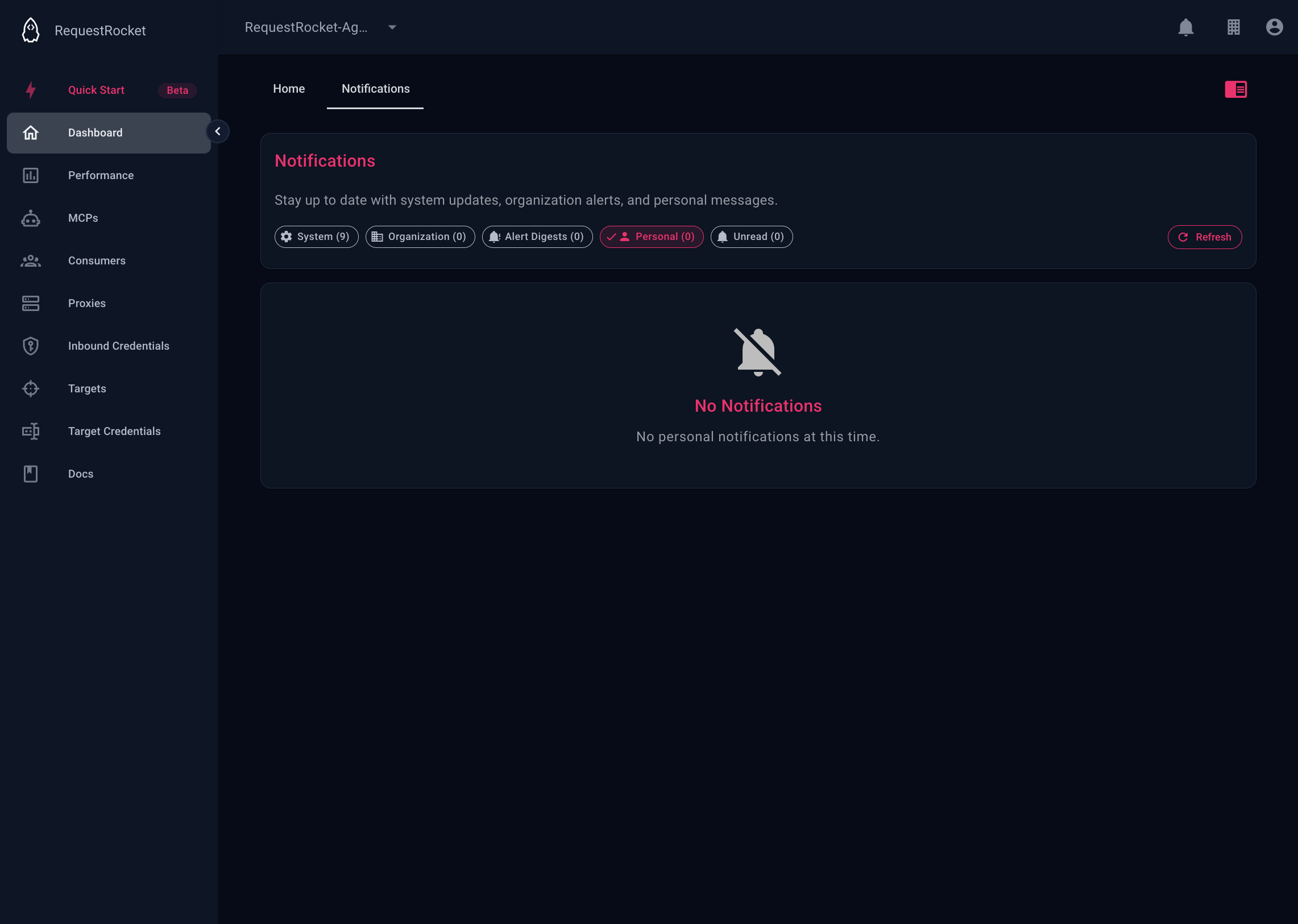
Result
The read state is stored on the personal notification. Marking it read does not delete it. Newly dispatched notifications normally expire from storage after 90 days.
User-level email and mobile preference fields exist in user configuration. The current notification dispatcher decides delivery from the queued notification type and recipient data; the docs do not claim that every notice honours each preference.