

API keys
User tokens for the Core API and the Core MCP.
A user token authorizes the Core API and the Core MCP as the user who owns it. Send it as Authorization: u-.... It is not an inbound credential and it does not authorize calls through a proxy.
Create a key
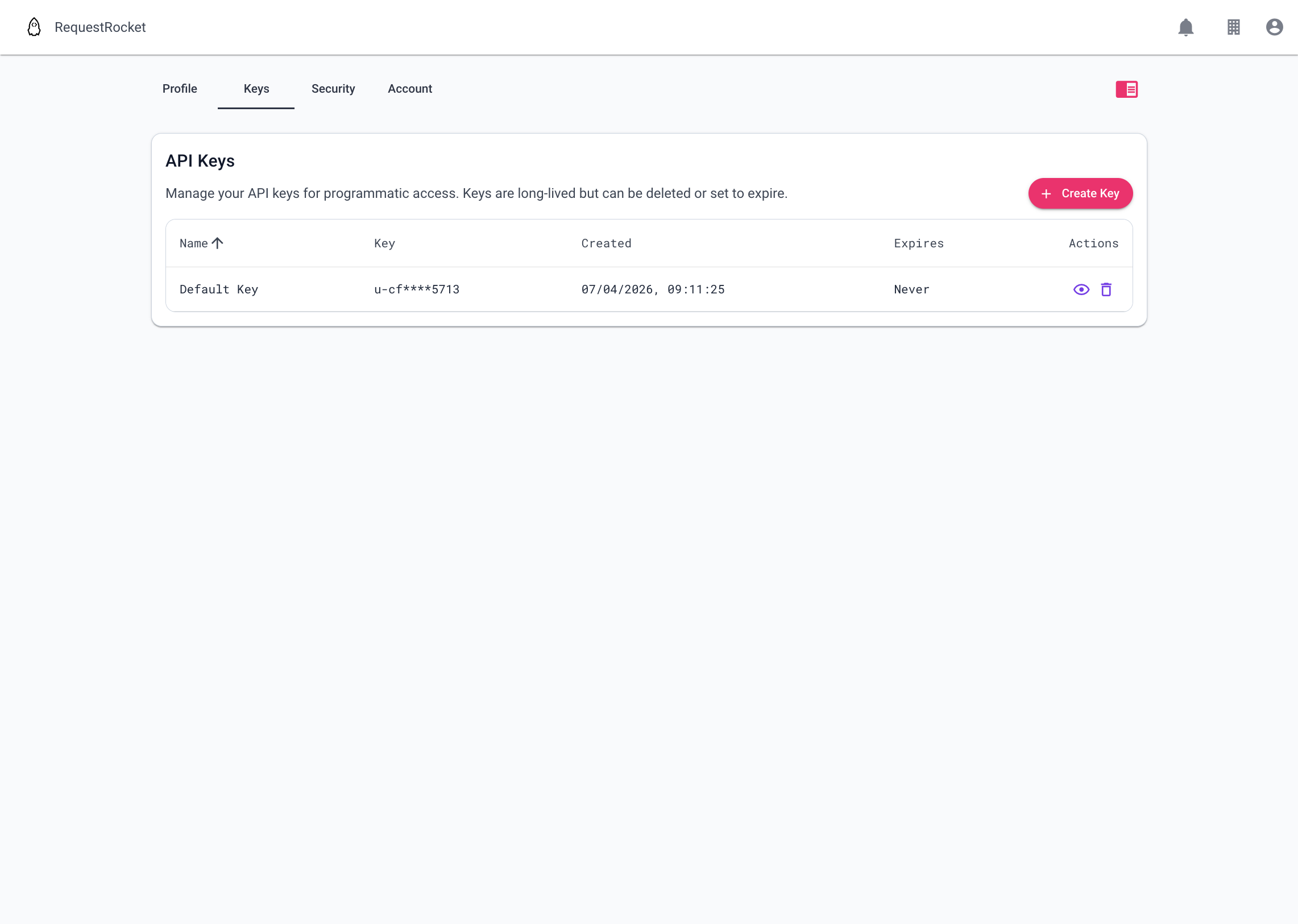
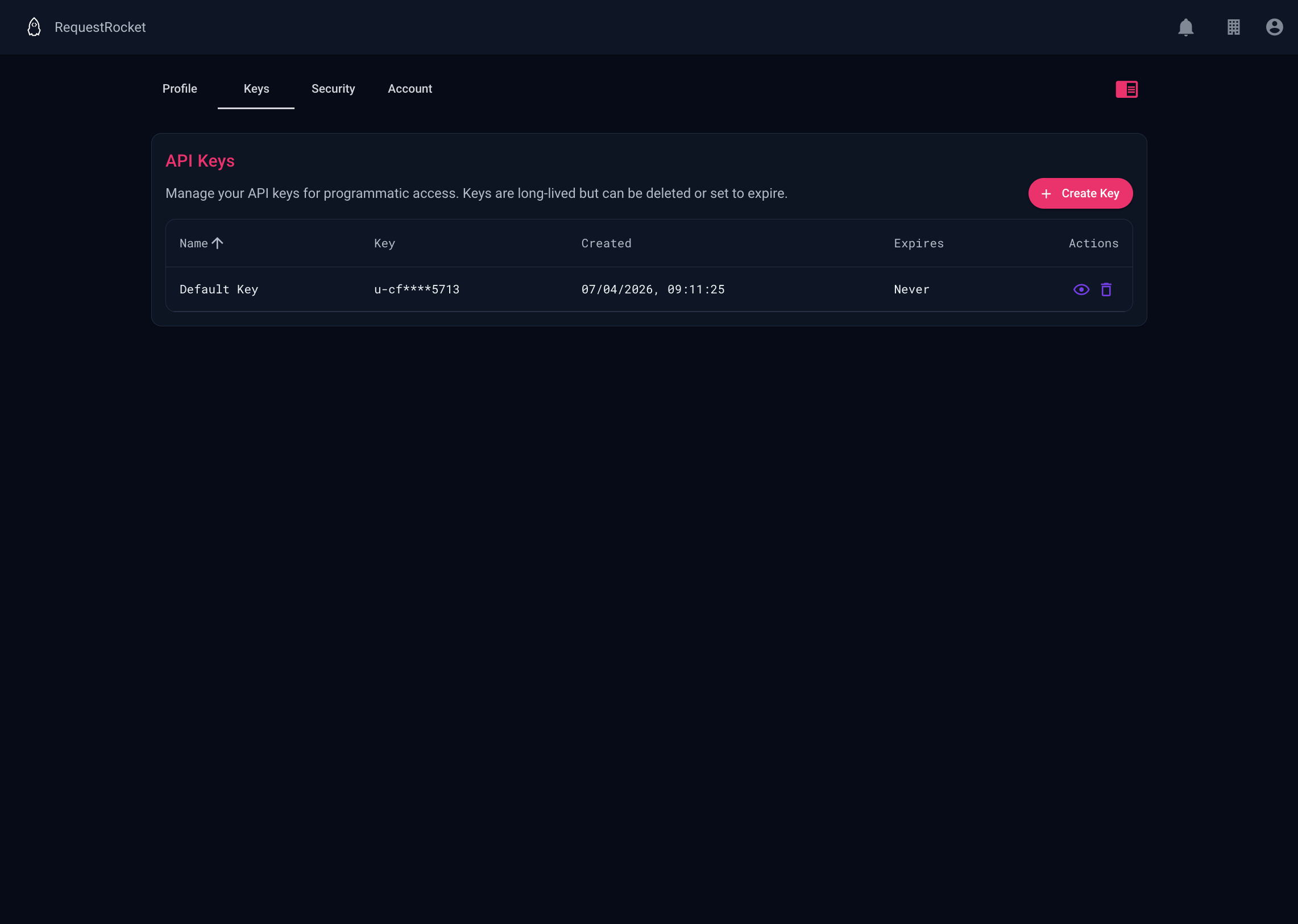
Open Settings on the Keys tab and select Create Key.
Give the key a name that identifies its integration. The expiry date is optional. If you set one, the key stops authenticating after that time. Copy the secret from the created-key dialog and store it in the integration's secret manager, not in source control or client-side code.
Reveal or revoke a key
The list shows a masked value. Use the reveal action to fetch and display the full key to its owner. Use delete to revoke it; integrations using it stop working immediately.
Rotate a key
Create a replacement key, update every integration to use it, verify those integrations, then delete the old key. RequestRocket does not change an existing key's secret.
Result
The key appears with its name, masked value, creation time, and expiry. A key without an expiry is shown as Never.