

Personal
Profile
The signed-in user and their configuration.
Profile belongs to the signed-in person, not an organisation. The app lets you edit the fields that the profile API accepts.
Before you start
Sign in as the user whose profile you want to change. A user can edit only their own profile.
Open profile
Open Settings on the Profile tab.
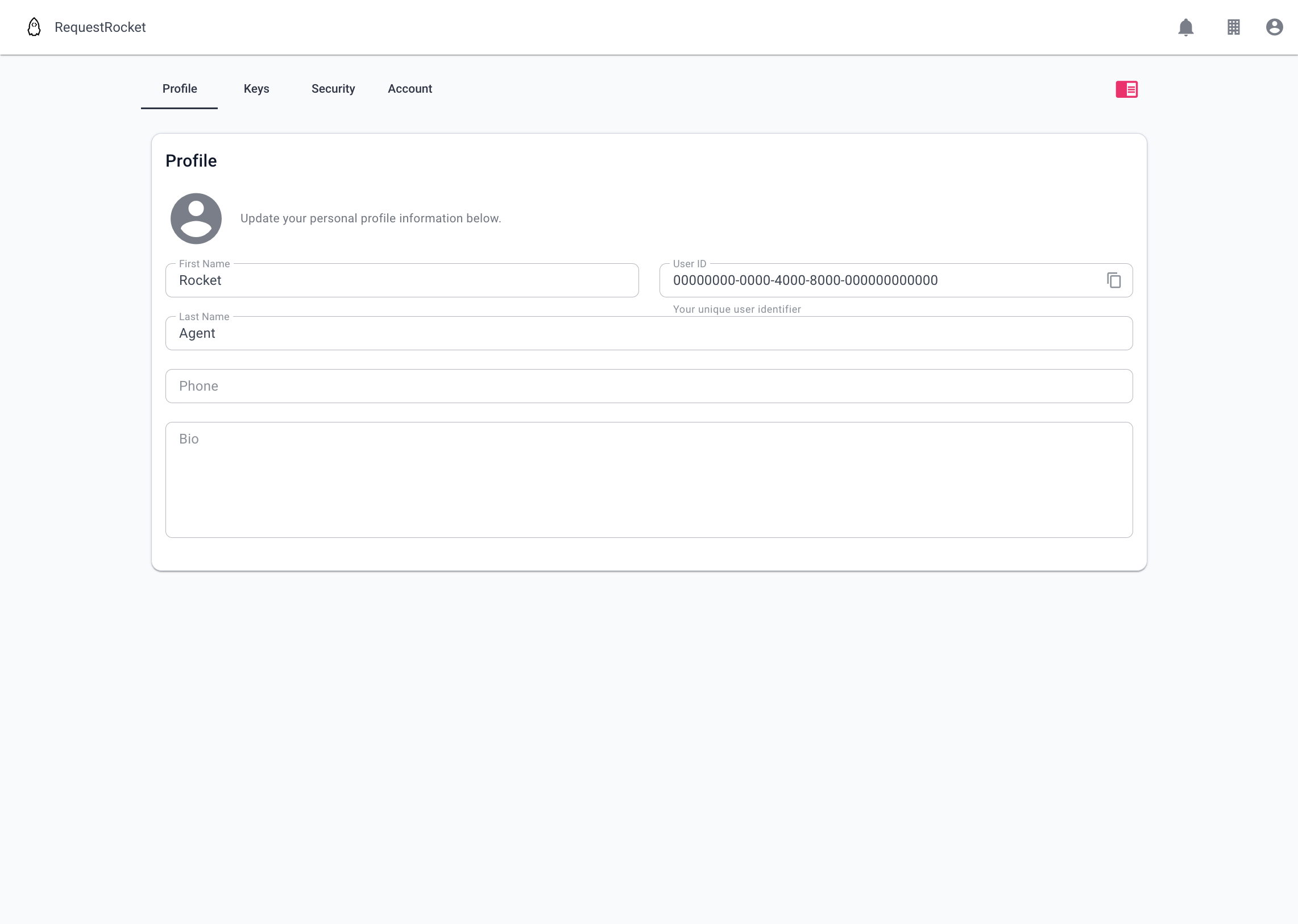
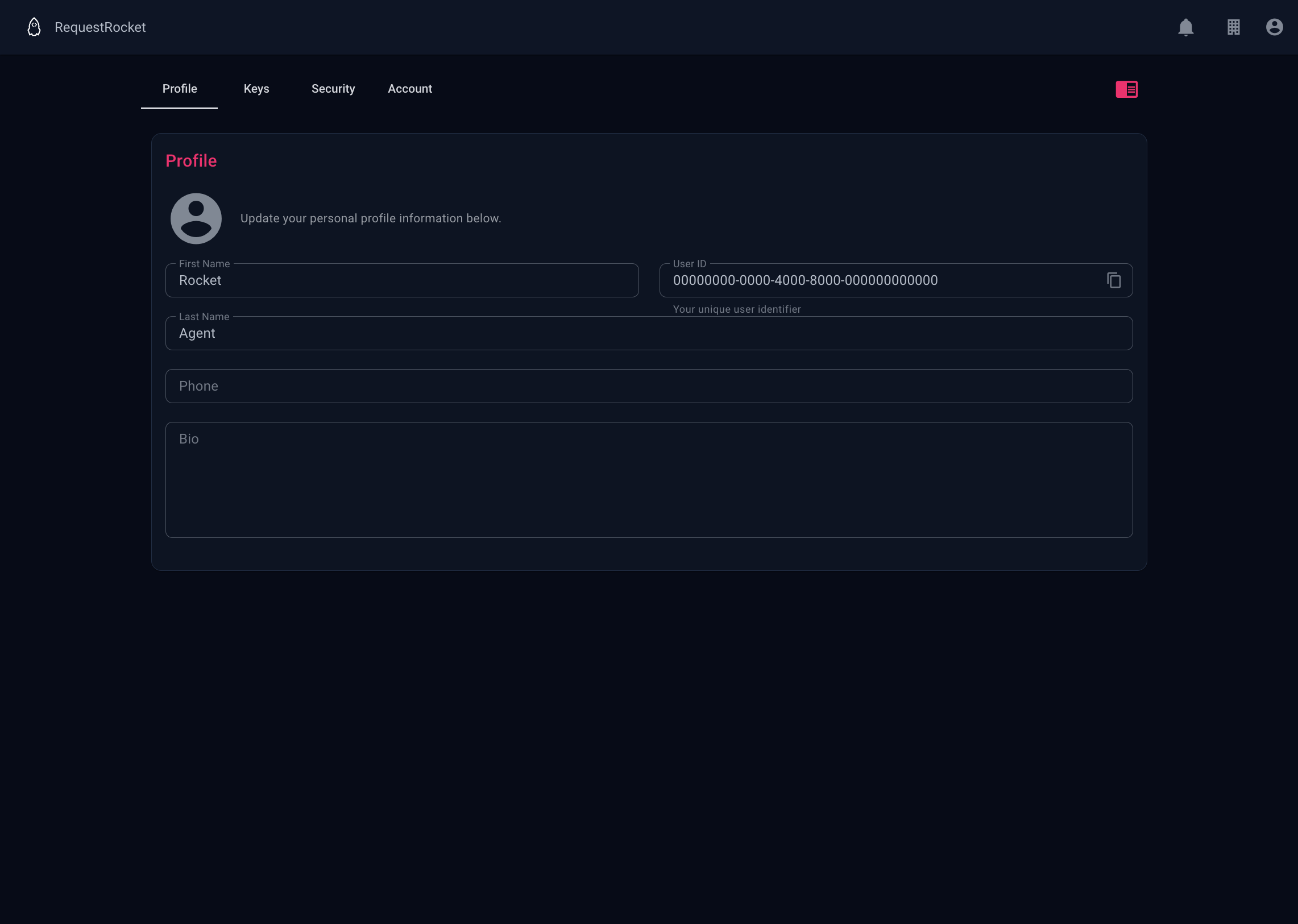
- First Name and Last Name identify you in the app.
- User ID is read-only and can be copied for API and support tasks.
- Phone accepts the profile phone number.
- Bio stores profile text.
- The avatar is loaded from Gravatar for the account email when one exists.
Result
Saving updates the editable fields. The account email, username, organisation memberships, partner memberships, creation time, and system-admin flag are part of the API profile but are not editable in this form.
User configuration is separate from profile fields. It contains notification preferences, sharing preferences, system-managed achievements, and the public names of promotional grants. Redemption secrets are not returned.