

Relationships
Request, accept, or cancel a managed-service relationship.
A relationship links an existing organisation to an MSP. It is not used when the MSP creates a new managed client directly.
Lifecycle
requested → accepted and linked
requested → rejected
requested → cancelled by the initiator
Either side can initiate. The other side accepts or rejects. Accepted relationships are represented by the organisation appearing in the MSP's managed clients; they no longer appear in the pending-request list.
Before you start
Know the MSP and organisation you want to link. The organisation side accepts an MSP-initiated request. The MSP side accepts a client-initiated request.
Open relationships
Open Organisation settings and open the Relationships tab. Review the named MSP before accepting or rejecting a pending request.
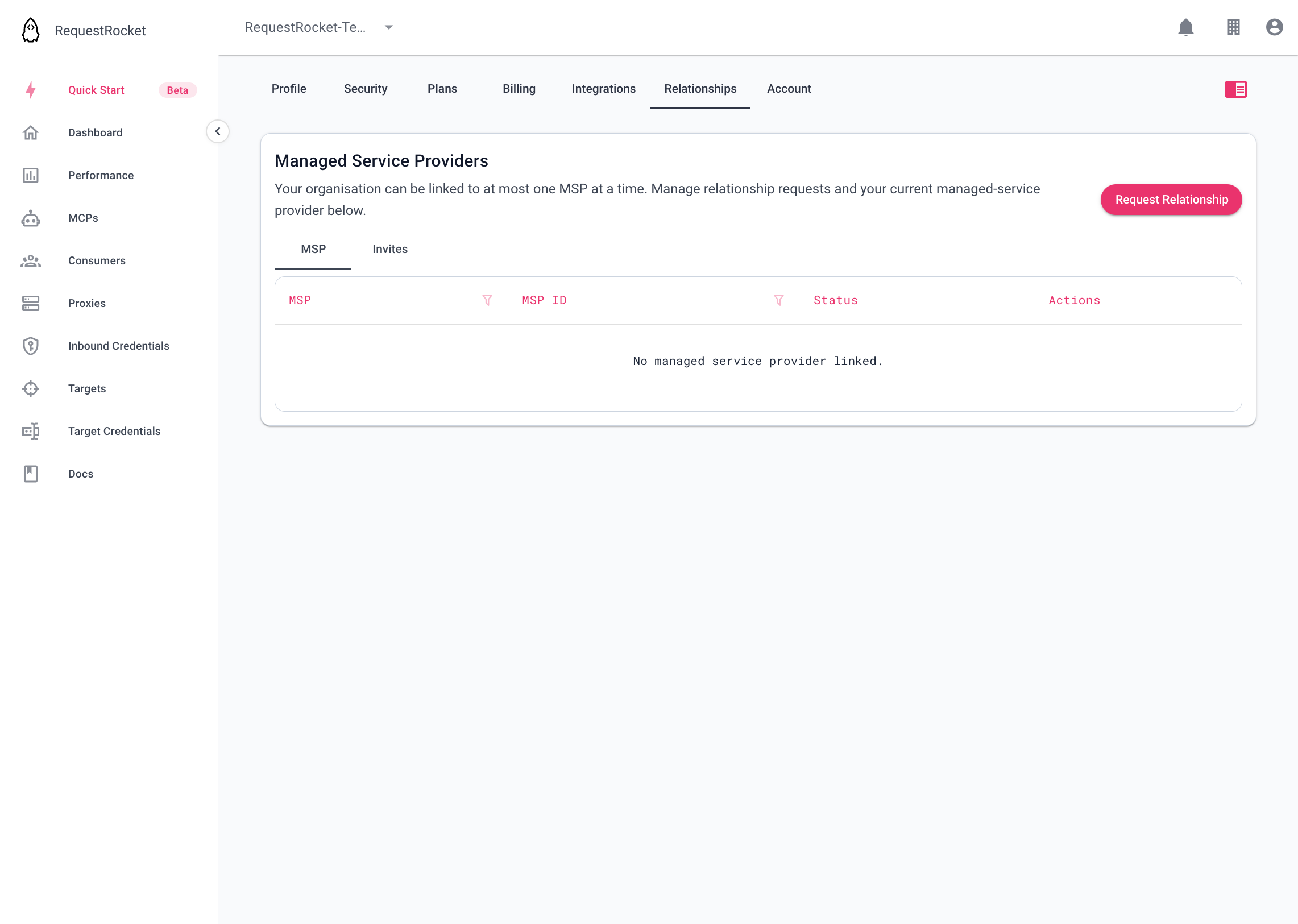
Result
Acceptance links the organisation as a managed client. If it was linked to another MSP, accepting the new relationship can remove that prior link and notify the outgoing MSP. Rejecting or cancelling removes only the pending request.