

Partners
MSP organisation and team
The partner organisation and its own members.
An MSP is a managed service provider that administers linked client organisations. The MSP has its own profile, team, configuration, and billing account. MSP membership is separate from membership in every managed client.
Before you start
You must belong to the MSP. The exact MSP roles are:
| Role | Proven access |
|---|---|
msp_owner | Read MSP resources; manage clients, the MSP team, invites, configuration, plans, relationships, and billing. |
msp_admin | Read the MSP; manage clients, the MSP team, invites, configuration, managed-client plans, relationships, and billing. |
msp_user | Read clients, configuration, plans, and telemetry; manage member and invite operations on managed clients. It cannot manage the MSP's own team. |
msp_reader | Read clients, members, invites, configuration, plans, and telemetry. |
Only msp_owner and msp_admin can manage the MSP's own members and invites. Only an msp_owner can grant msp_owner, and the sole owner cannot be demoted.
Open the MSP profile
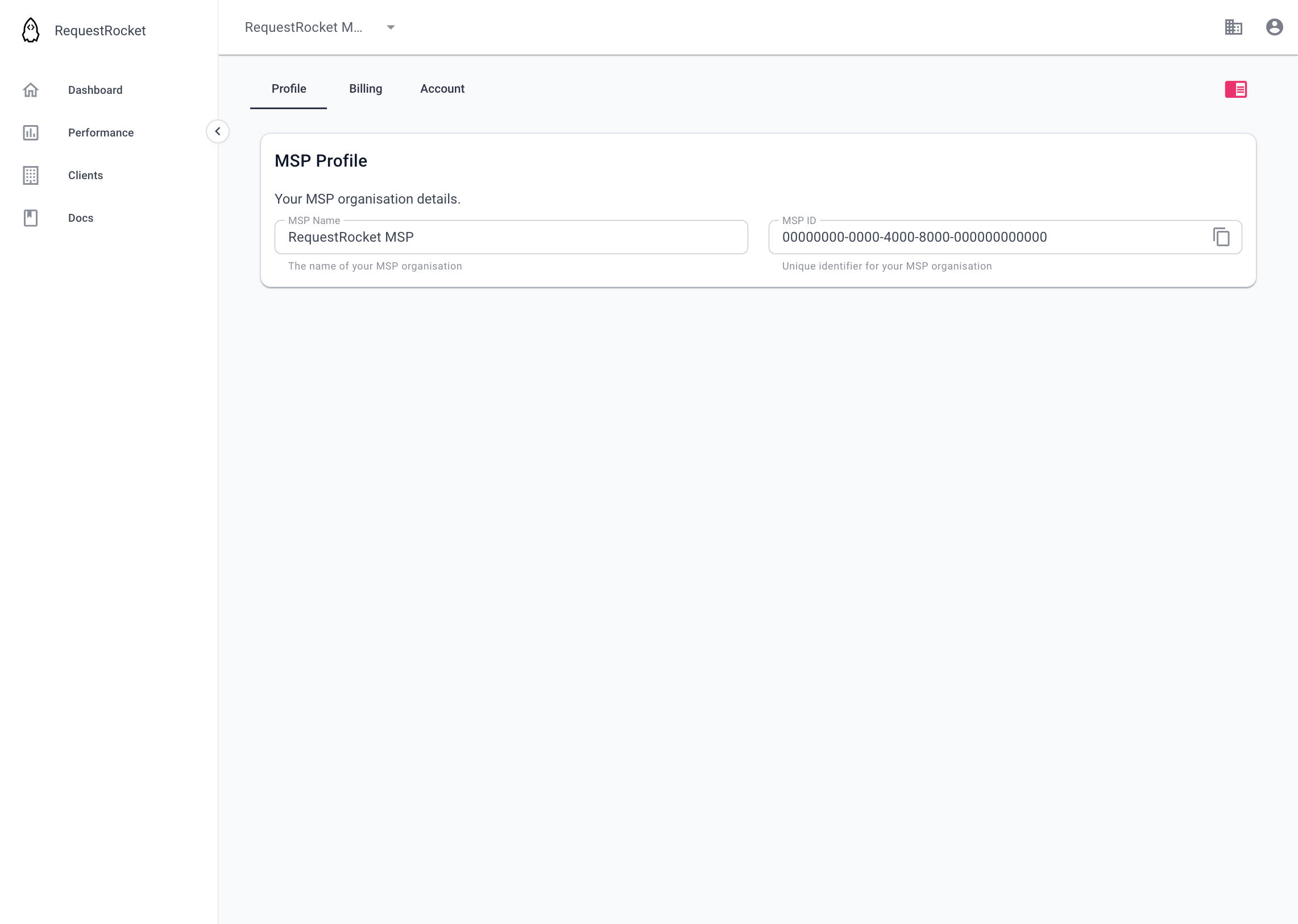
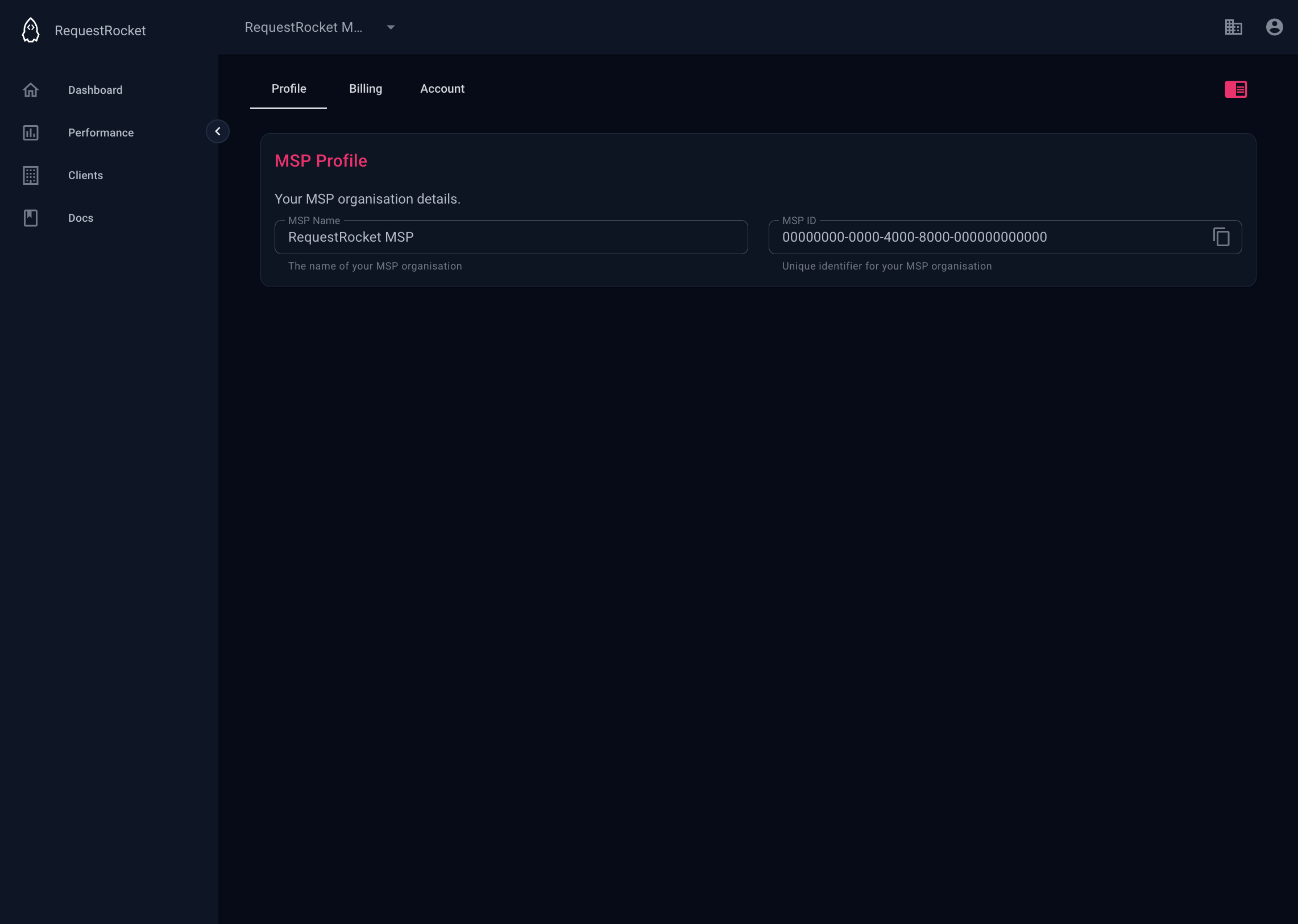
Open MSP settings on the Profile tab.
Open the MSP team
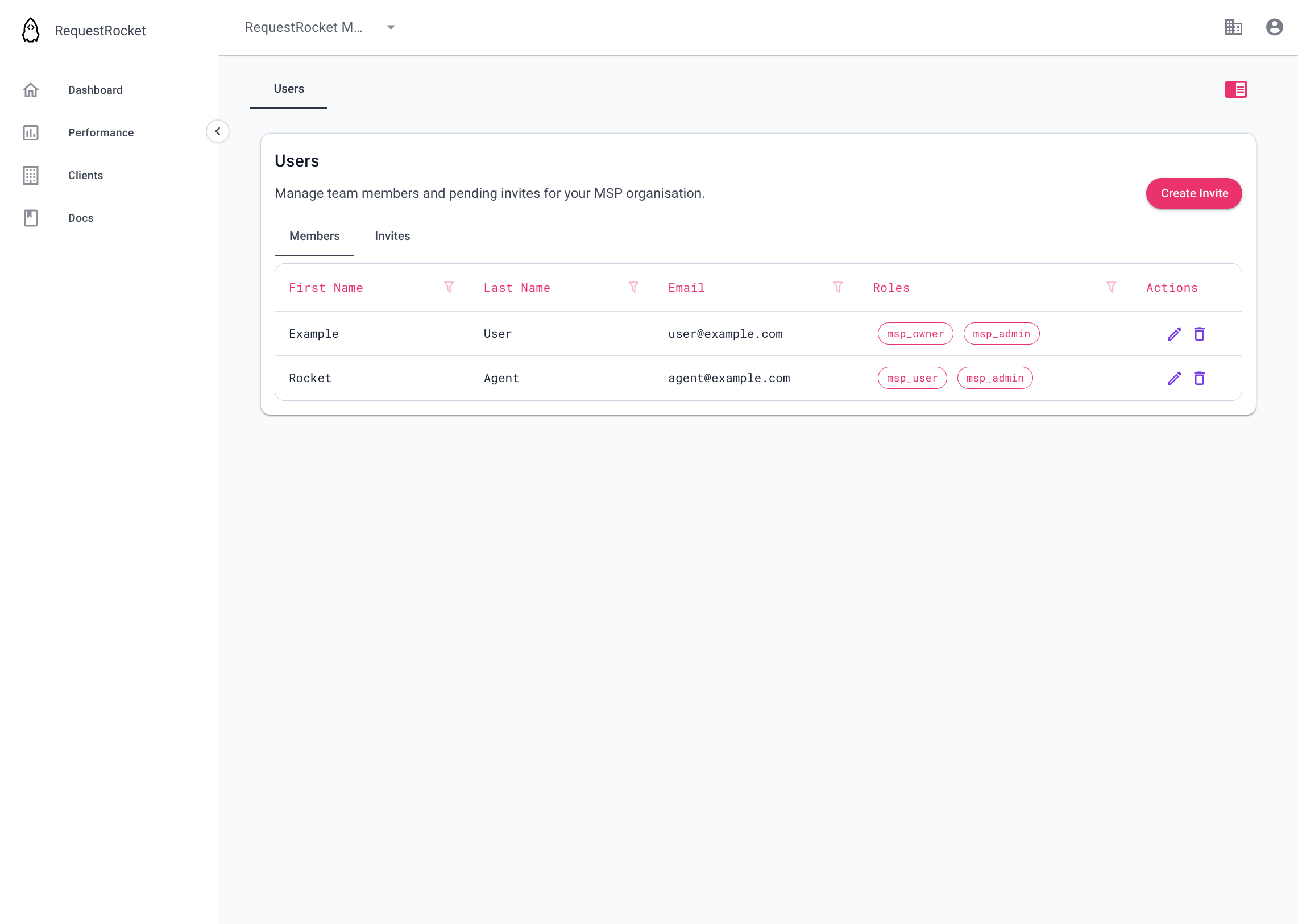
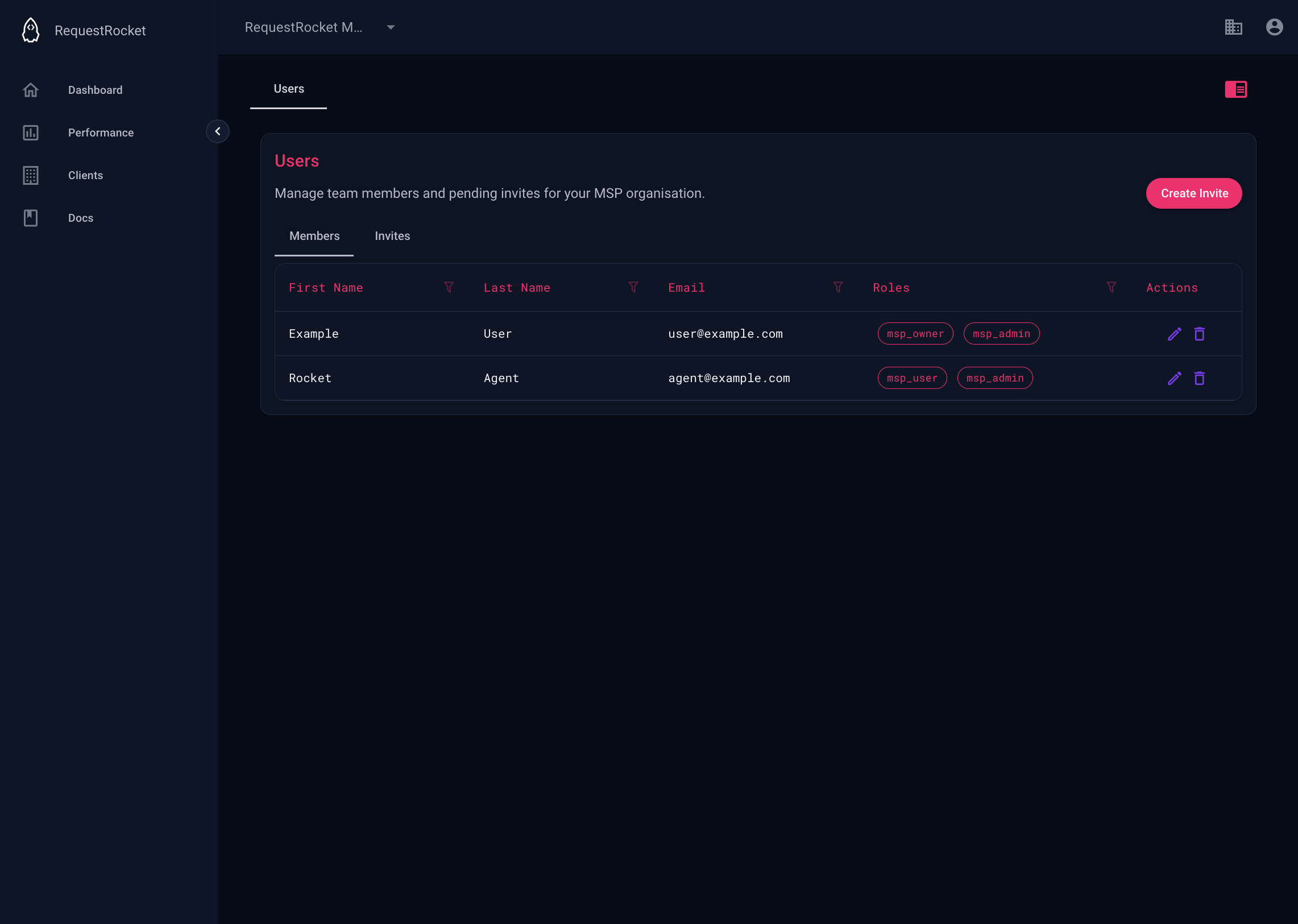
Open MSP users for the MSP's own members and pending invites. These are not the teams of its managed clients.
Result
The MSP profile identifies the provider. The team page shows its own membership and pending invitations.