

MSP billing
Who pays, the rates floor, and managed-client plans.
MSP configuration stores the provider's rate multipliers. Managed-client configuration records who pays and the client's effective rate multipliers.
billingTo | Billing party |
|---|---|
client | The managed organisation is billed using its billing configuration. |
msp | The linked MSP is billed; Stripe billing charges the MSP customer. |
Client rate multipliers are constrained to 0.7 through 1. A managed-client value below the MSP's multiplier is raised to that floor. For example, if an MSP metric is 0.8 and the client is set to 0.7, the stored effective client rate becomes 0.8. This explains clamping only; it does not state a currency amount.
Before you start
Select the MSP. The app's Billing tab shows billing details and rate discounts. The exact billingTo for each managed client is available through managed-client configuration.
Open MSP billing
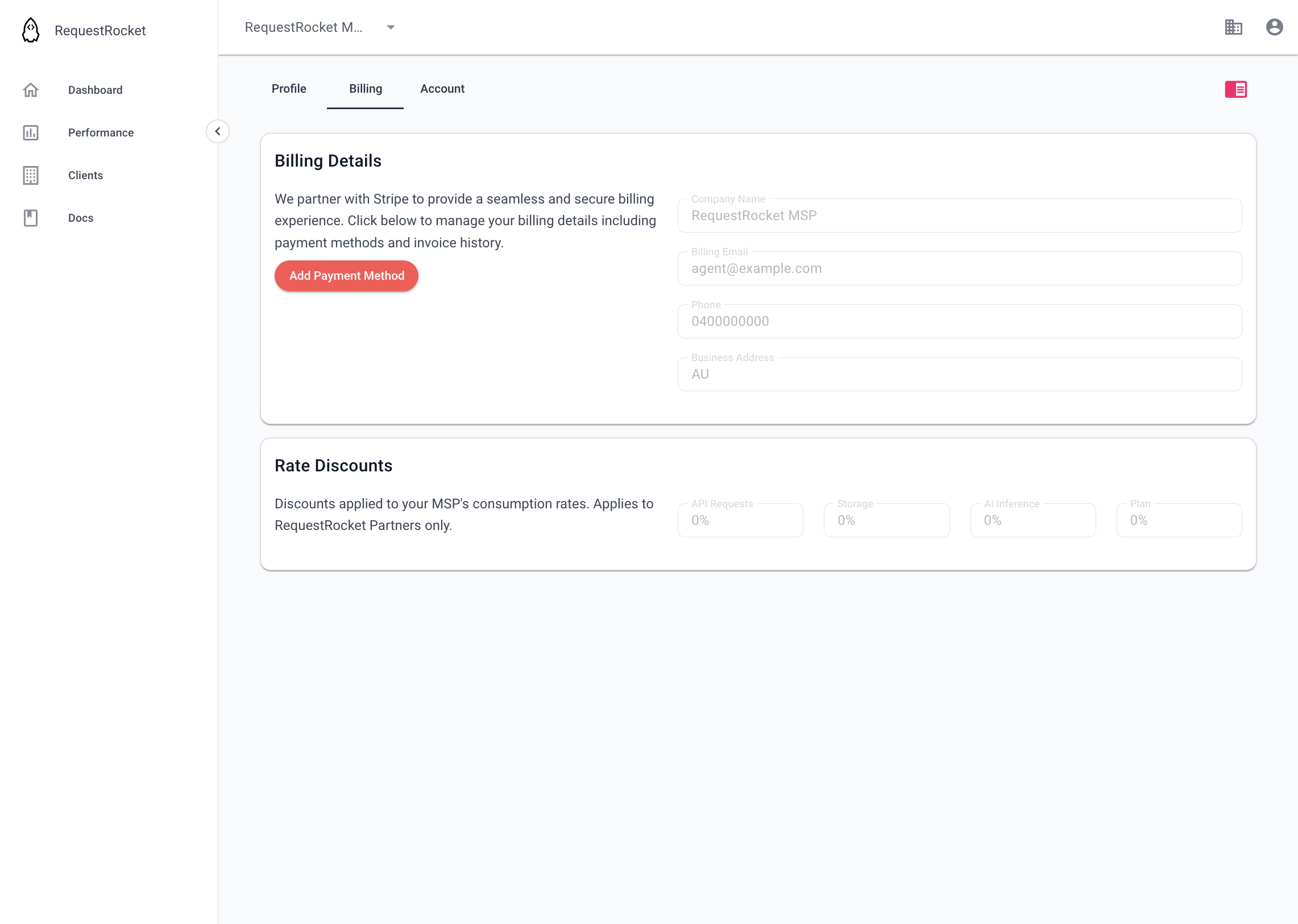
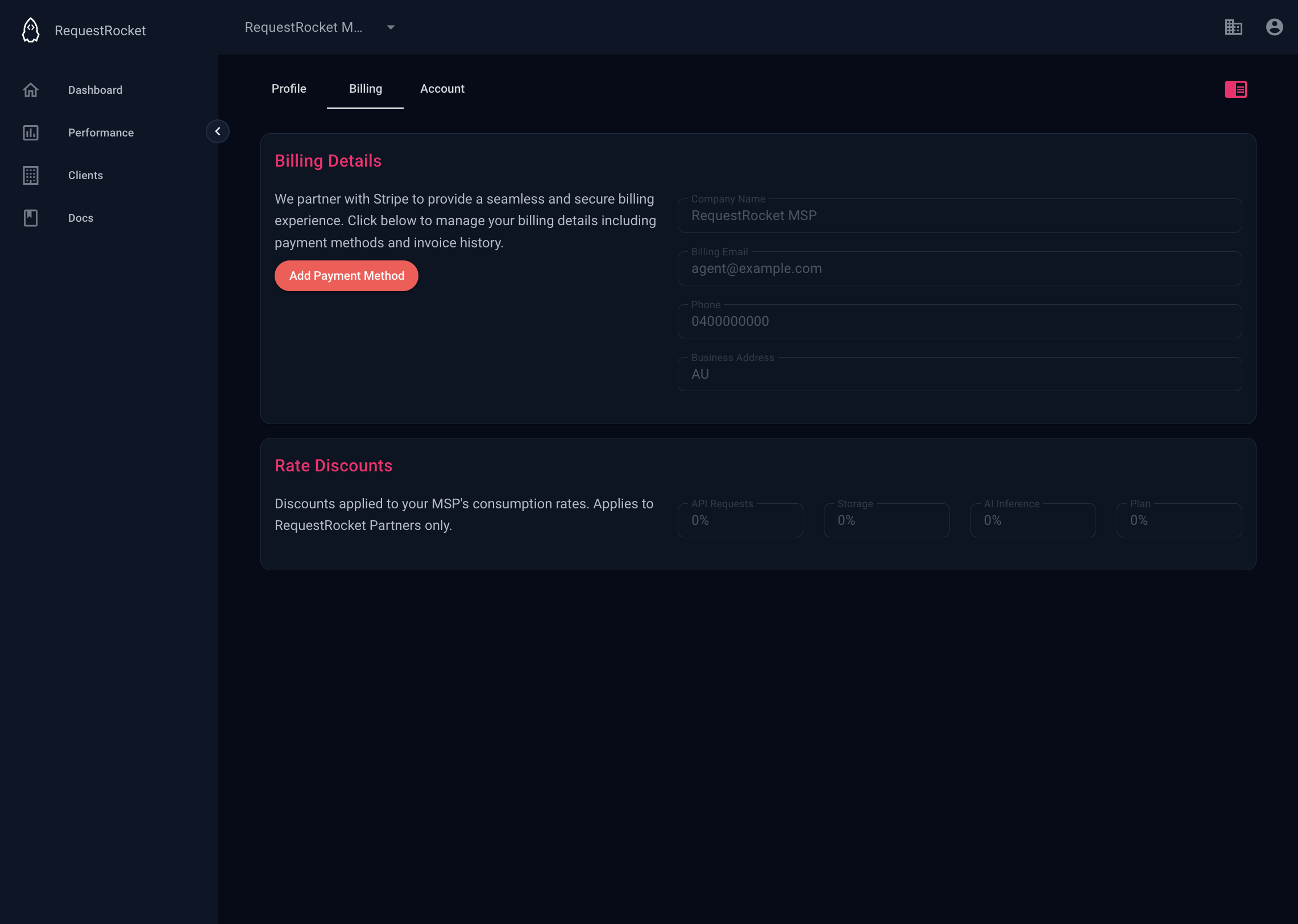
Open MSP settings on the Billing tab. For Stripe billing, use the portal action to manage payment methods and invoice history. The rate fields are read-only in this screen.
Result
The page shows the MSP billing type, billing customer details when Stripe is used, and discounts derived from the MSP rate multipliers.