

Plans and billing
The organisation plan, payment method, and balance.
The organisation settings separate plan features from billing details. The API exposes exact enabled feature ids, plan state, rates, limits, and applied grants; this page does not compare prices or support levels because those values are not defined by the app or billing handlers.
Before you start
Select the organisation. Plan and billing changes require an owner or admin. Stripe-managed organisations use the billing portal for payment methods and invoice history.
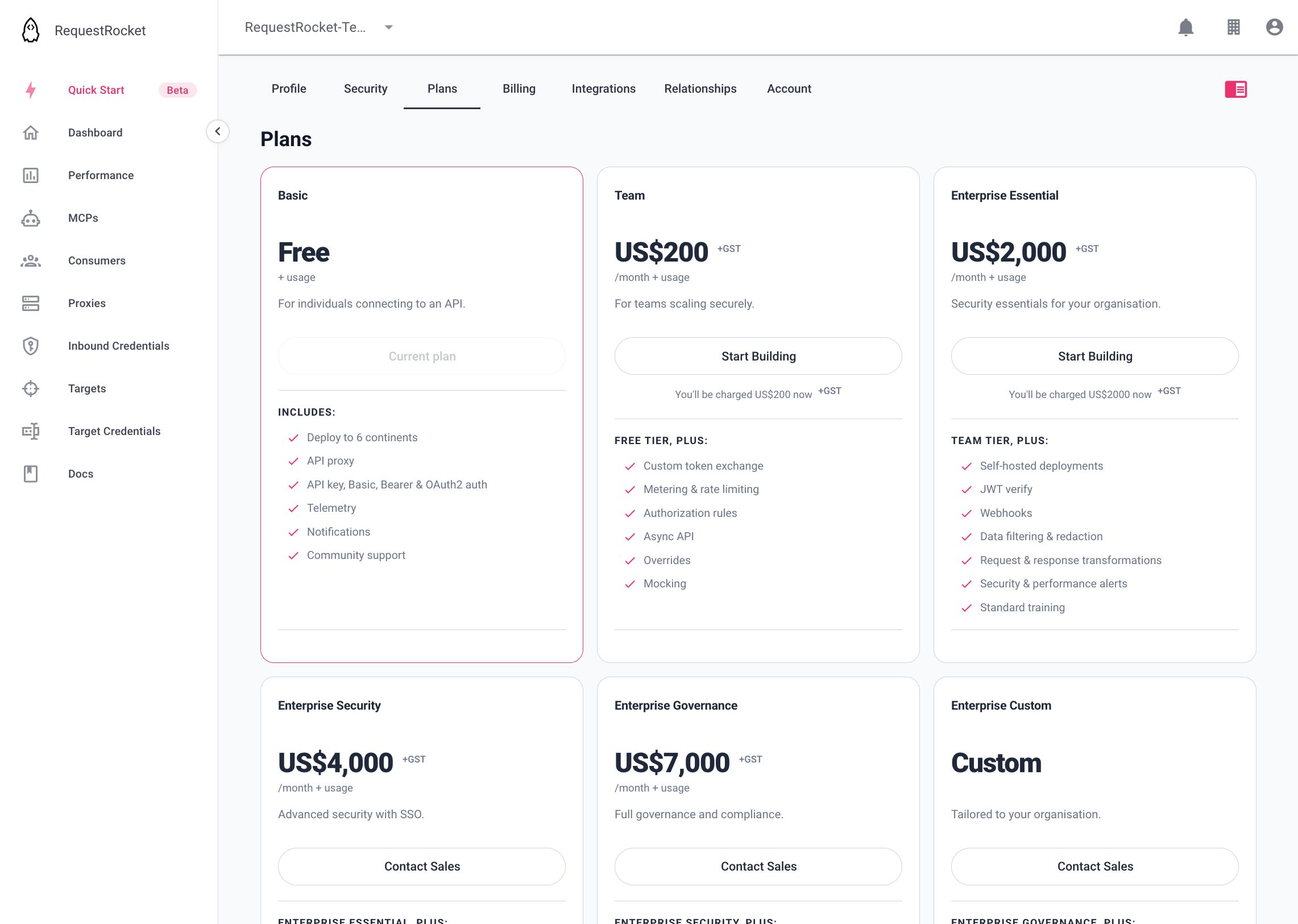
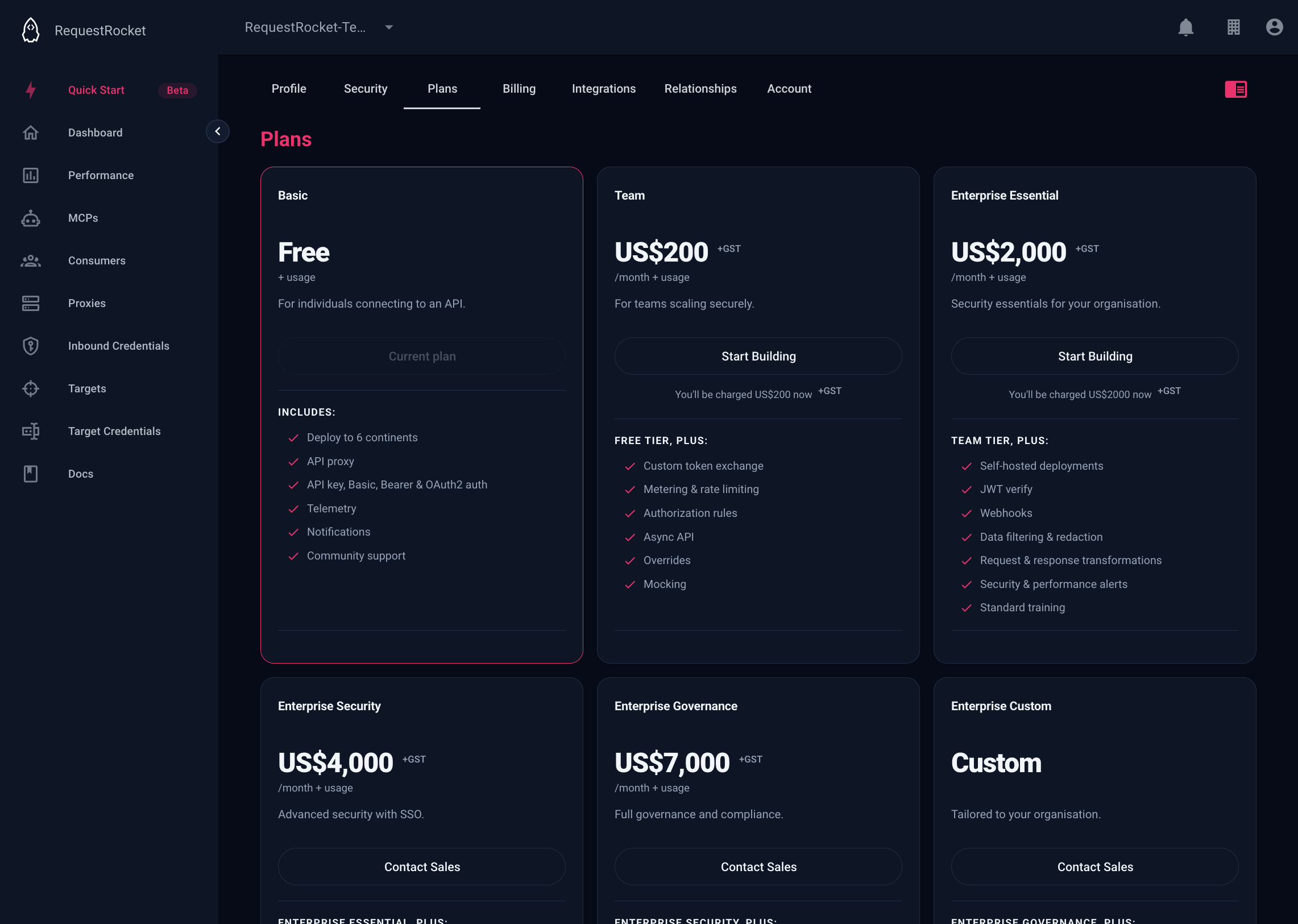
Read the plan
Open Organisation settings and select Plans. The current plan and any pending change appear here. A plan change may wait for payment or take effect at the end of the current paid period.
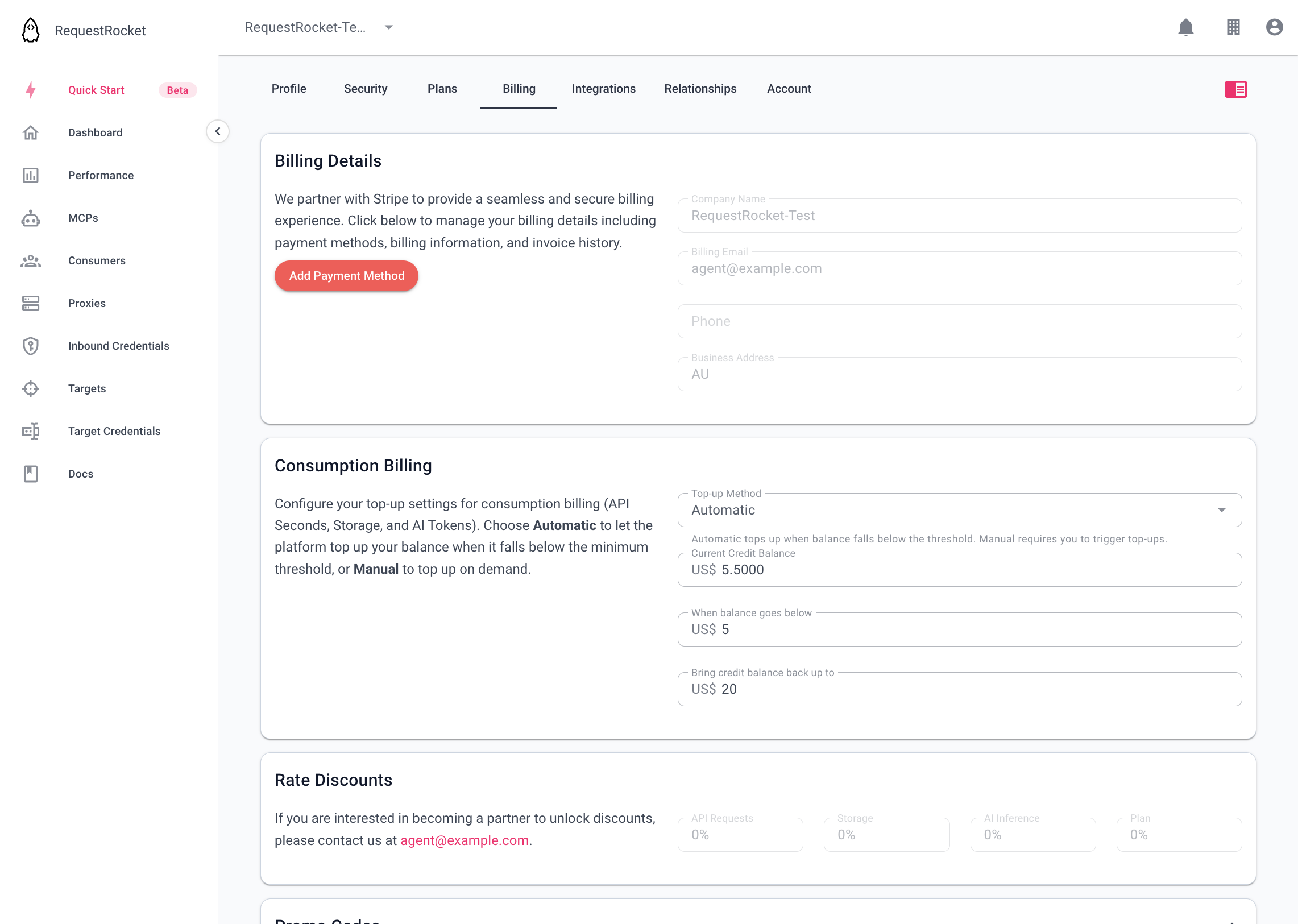
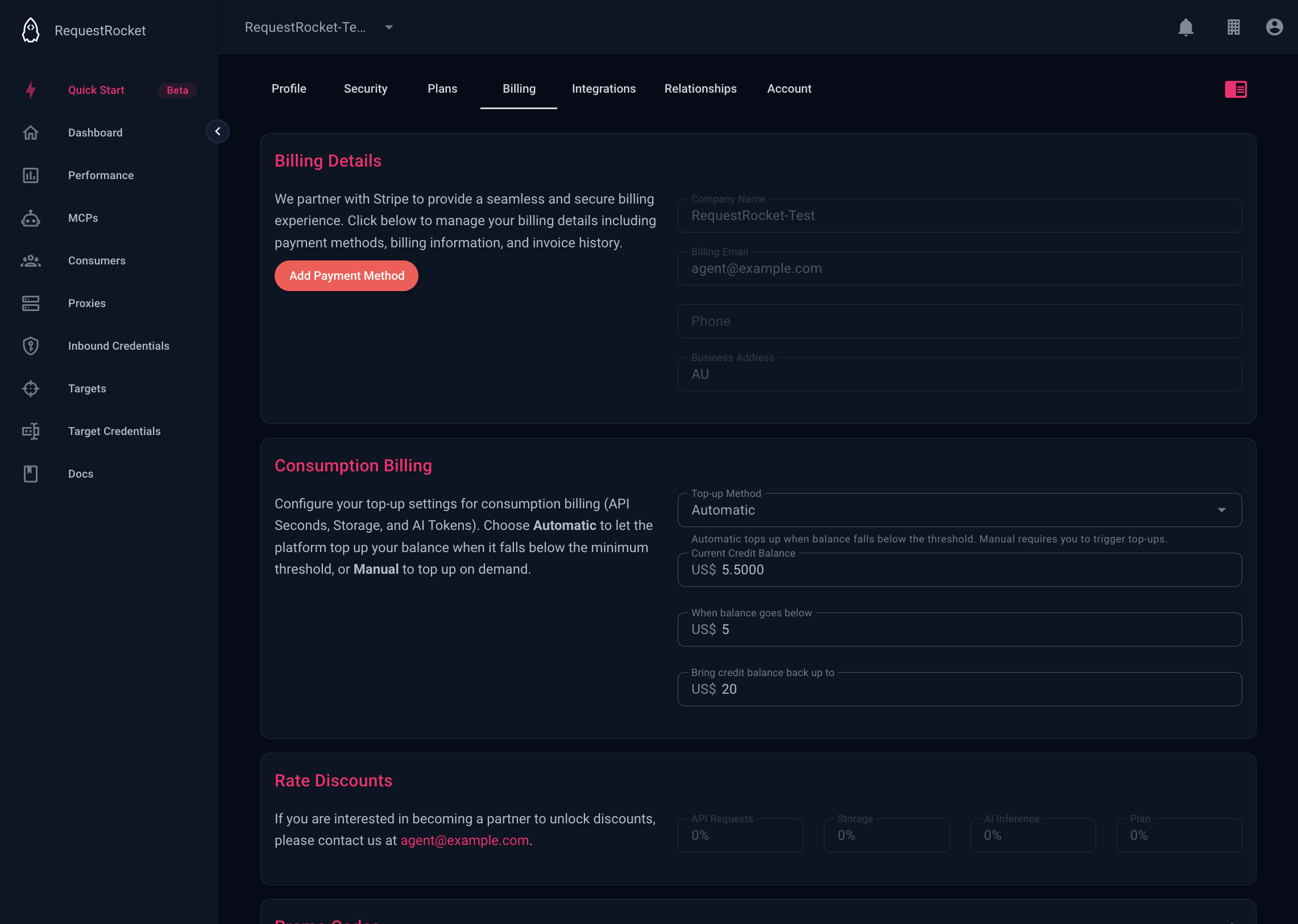
Open billing
Select Billing to view billing details and open Stripe when the organisation uses Stripe billing. Renewal is only available for an expired or payment-failed paid plan. Manual top-up is only available when the organisation uses manual top-up.
Result
After an immediate change, the current plan reflects the effective tier. A pending upgrade, scheduled downgrade, renewal invoice, or top-up request remains pending until the corresponding billing event completes.