

Organisation notifications
Notifications addressed to the organisation.
Organisation notifications are notices shared with an organisation. The app labels the filter Organization; alert digests have their own filter but use the same organisation notification feed.
Before you start
Select the organisation whose notices you want to read. The dashboard also contains System notices for everyone and Personal notices addressed to you.
Open organisation notifications
Open Dashboard, open the Notifications tab, and select Organization. Select a row to read its Markdown message. Use the row action to acknowledge it, or Mark All Read for every unread organisation and personal notice.
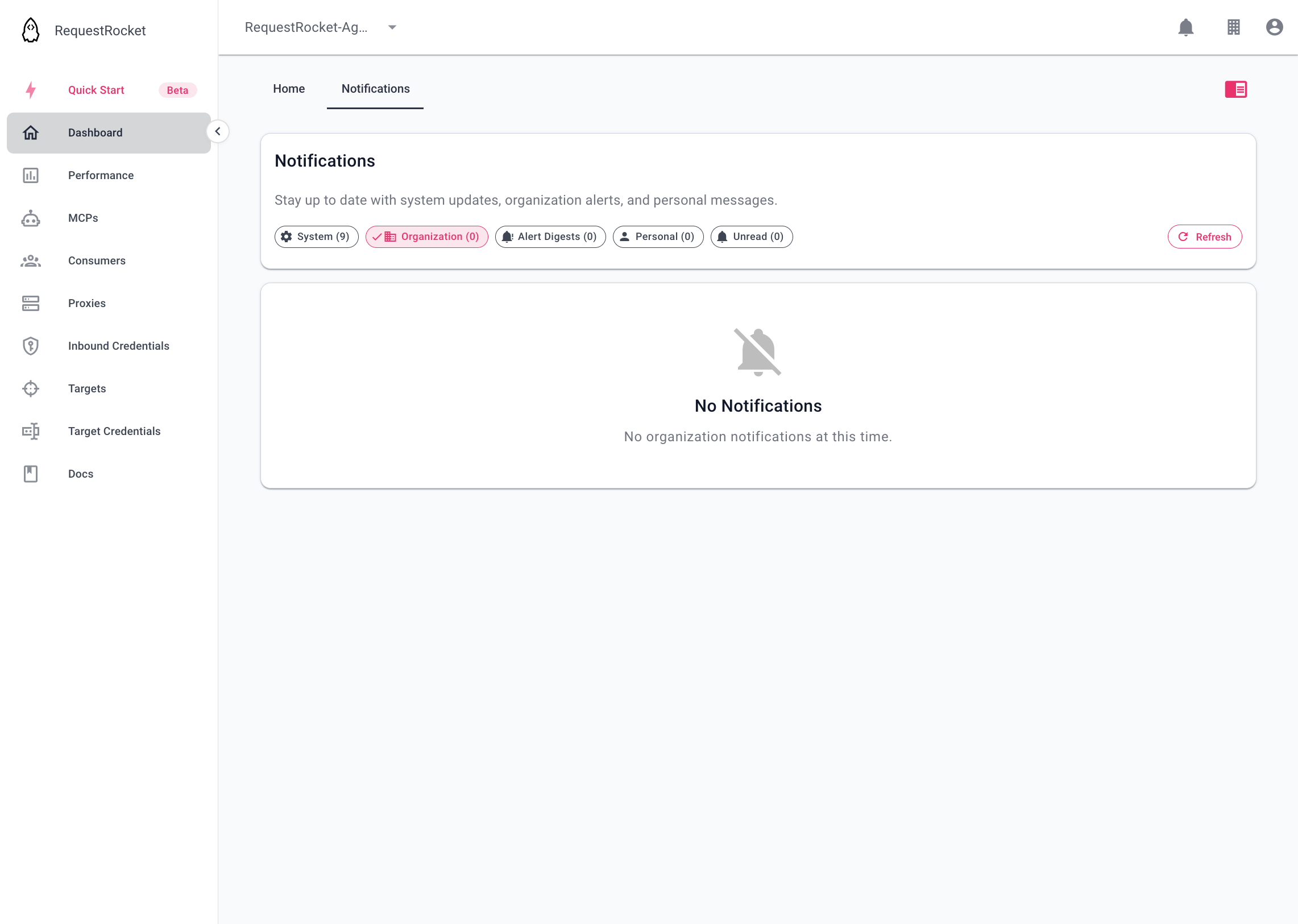
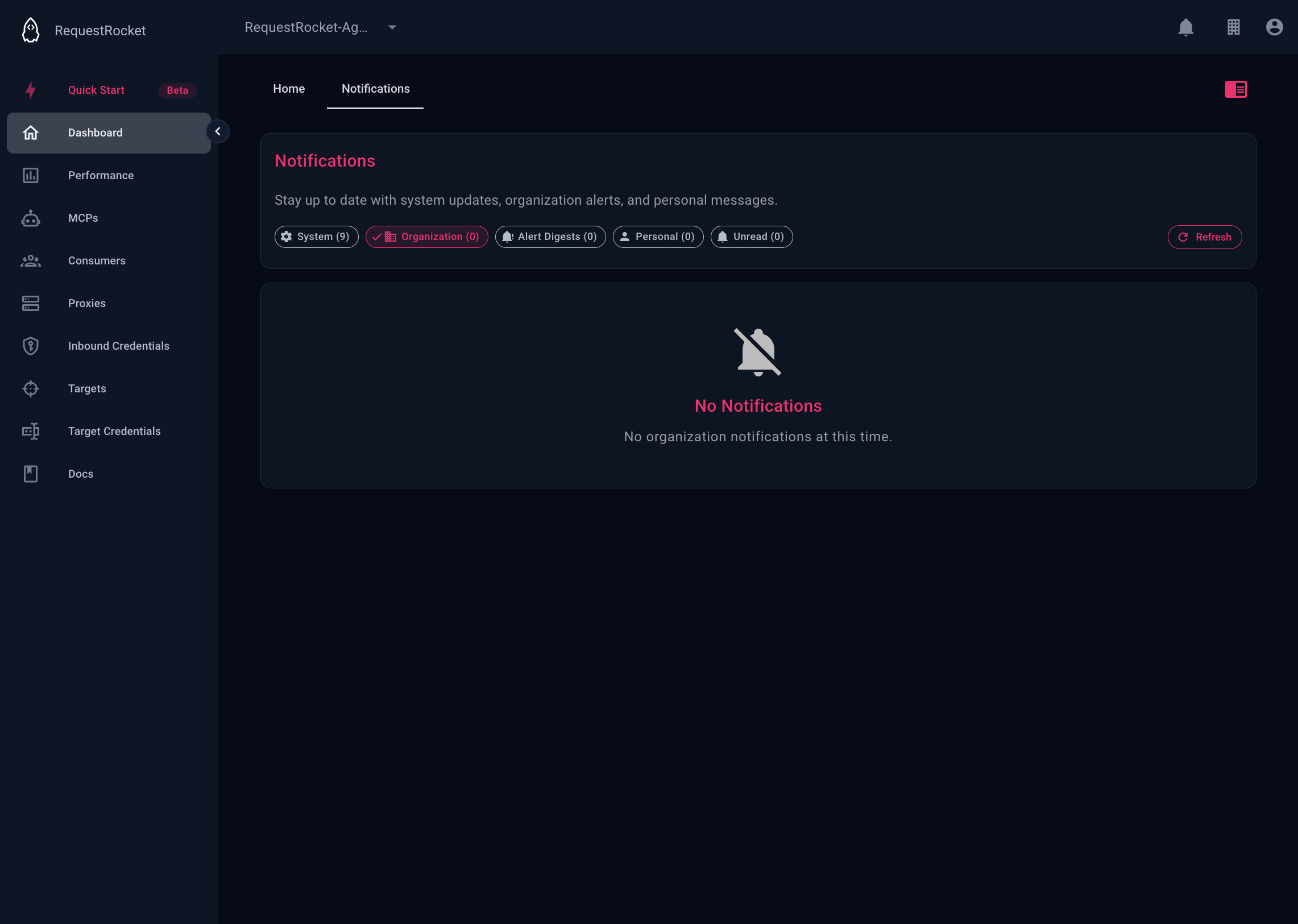
Result
Acknowledging an organisation notification adds your user id to its readers. It does not delete the notice or the event that produced it. Newly dispatched notifications normally expire from storage after 90 days.